Golf Cart Wrap Ideas
Not sure what wrap you want? Describe a look in plain English or upload a reference photo. AI creates custom wrap artwork on your cart panels, so you can compare ideas in 3D, add lettering or logos, and export your favorite in HD.
Golf Cart Wrap Ideas Side by Side
Ask AI for two different looks, such as a blue wave and a charcoal camo design, then compare the complete artwork on your cart panels. A good golf cart wrap looks balanced from the front, the side and the rear. Compare the designs below for their largest shapes first, then look closer at how their colors and details sit on the curved cowl and side panels.
A wide stripe can give a small two-seater a clean, sporty look, while camo or contour lines can fill a longer body with texture. Step back about 20 feet as you compare: the colors and main shapes should still read clearly.
Choose a design that catches your eye and open it in the 3D editor. Change the colors or add your own artwork, then turn the cart around to see how the idea works around the whole cart.
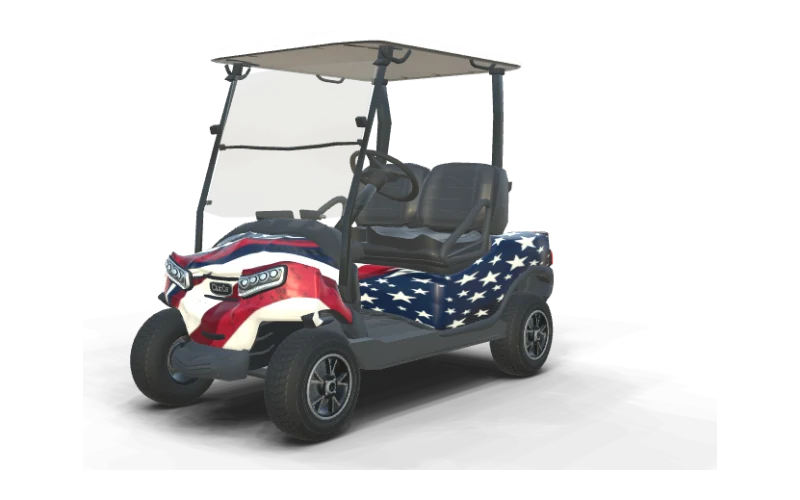
Stars & Stripes
Club Car Onward 2 Passenger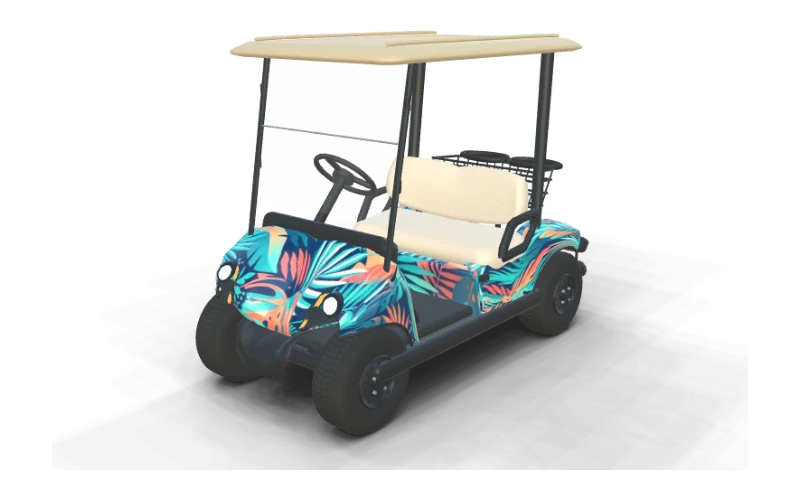
Miami Palms
Yamaha Drive² PTV QuieTech EFI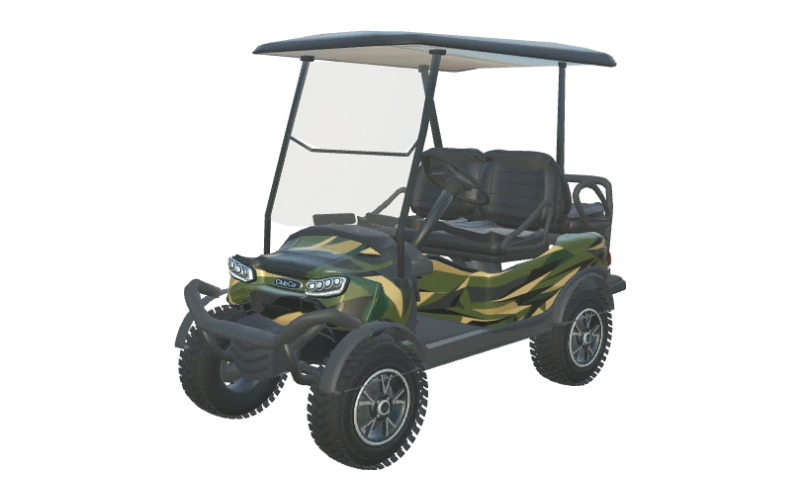
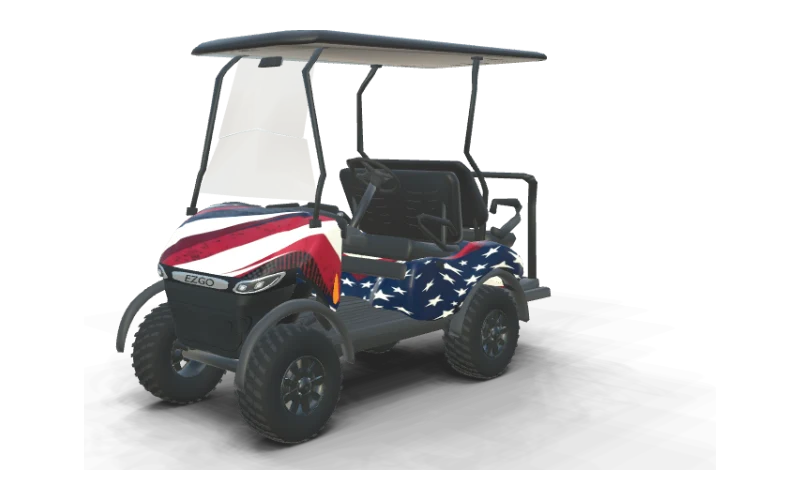
Stars & Stripes
E-Z-GO RXV 4 Summit X ELiTE Lithium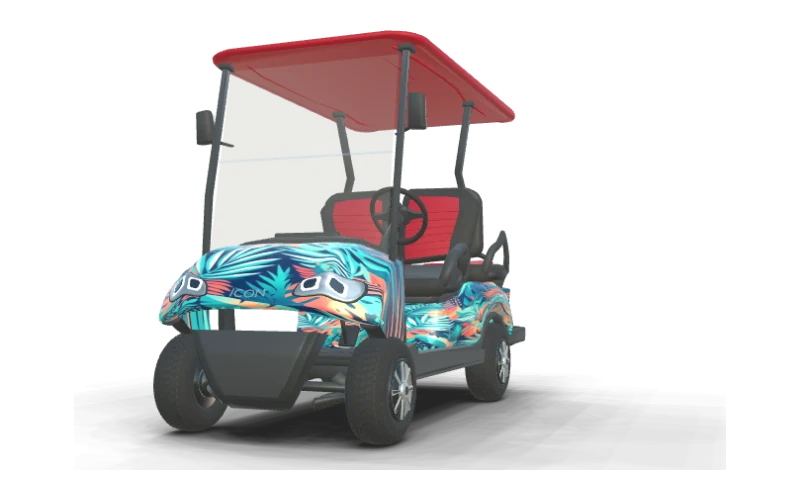
Miami Palms
ICON i40 Standard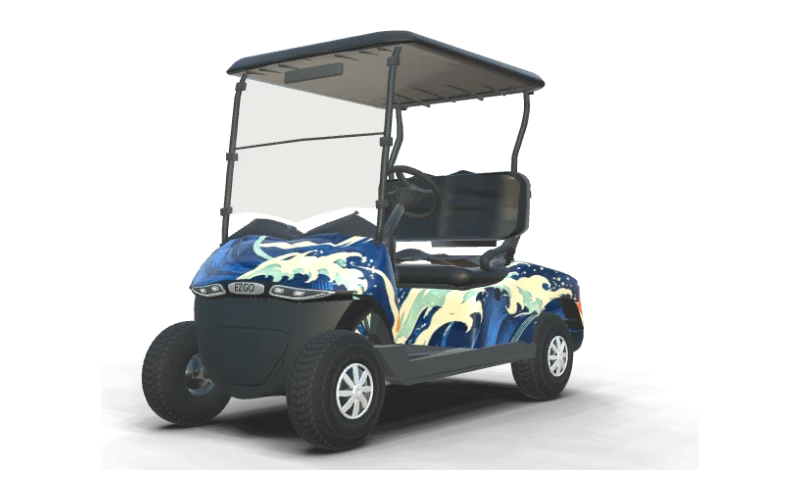
Coastal Current
E-Z-GO RXV 2 Freedom ELiTE Lithium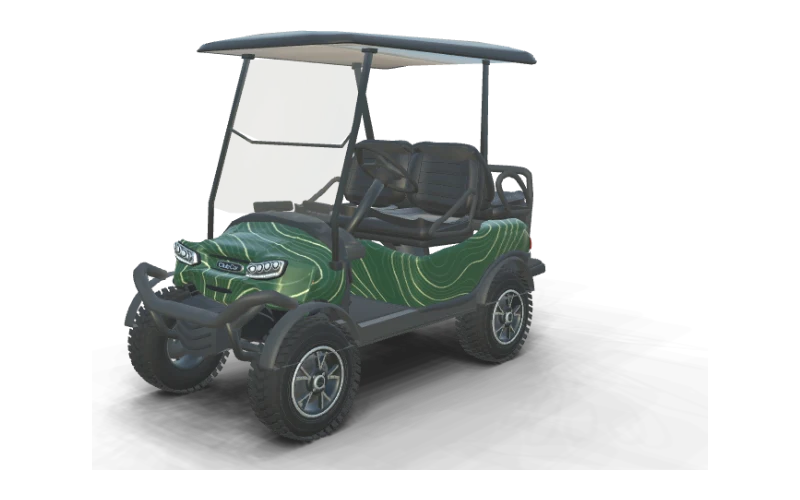
Contour Lines
Club Car Onward Lifted 4 Passenger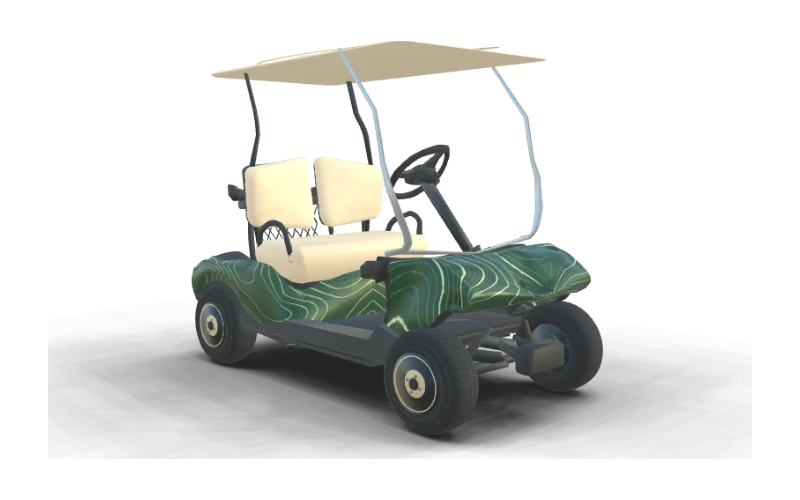
Contour Lines
Club Car DS (early body)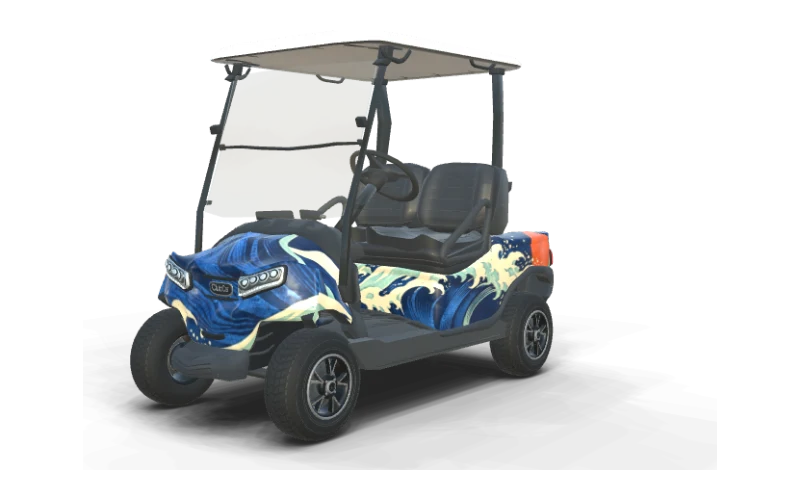
Coastal Current
Club Car Onward 2 Passenger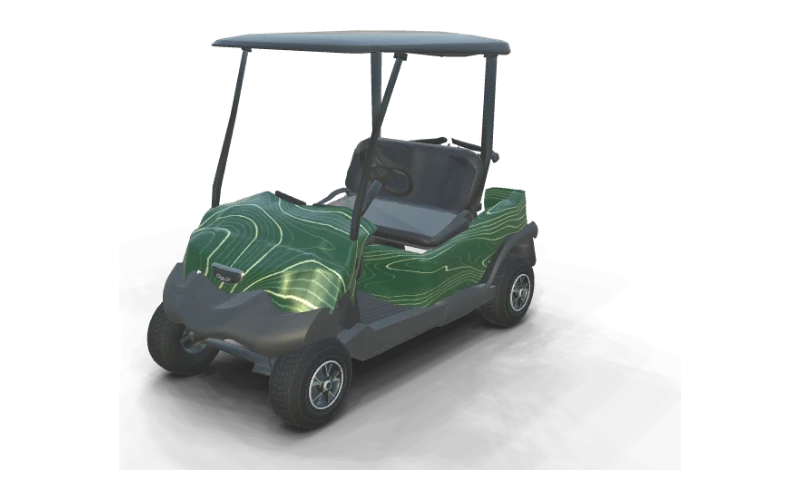
Contour Lines
Club Car Tempo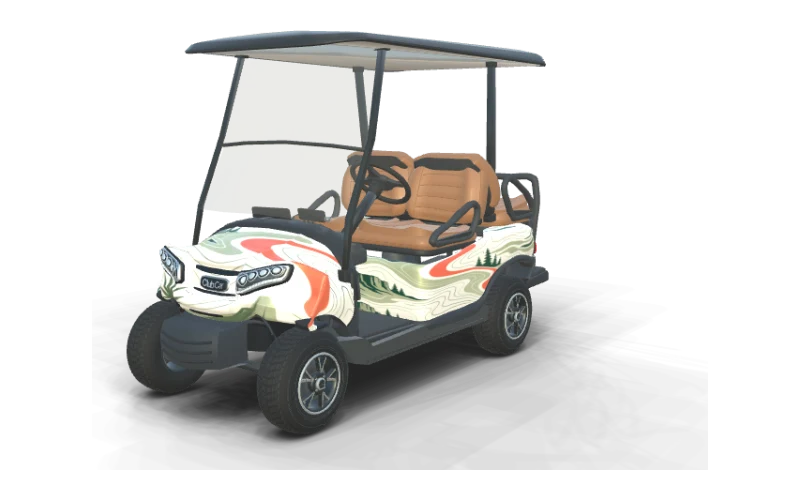
Fairway Green
Club Car Onward 4 Passenger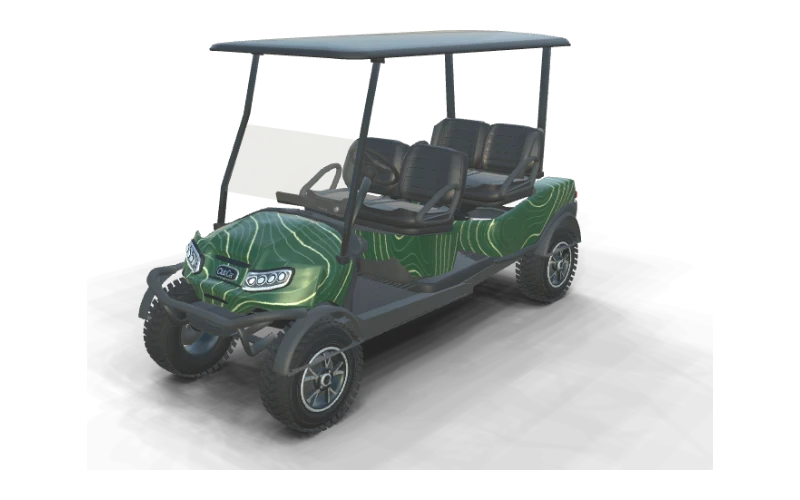
Contour Lines
Club Car Onward 4 Forward Lifted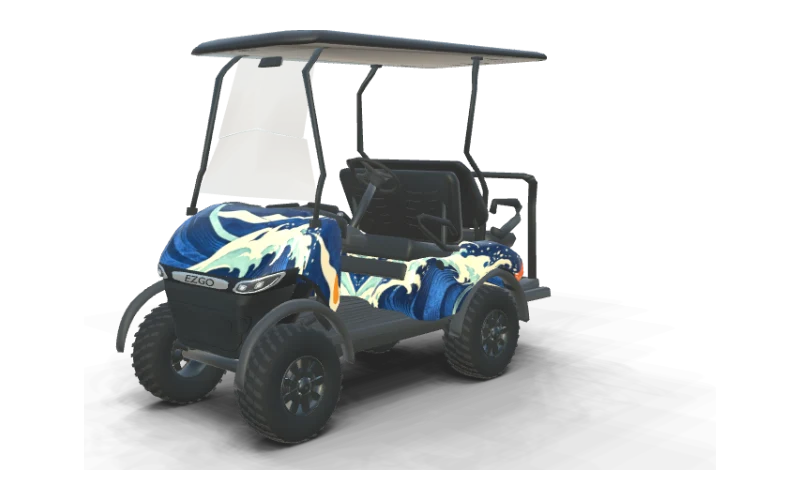
Coastal Current
E-Z-GO RXV 4 Summit X ELiTE Lithium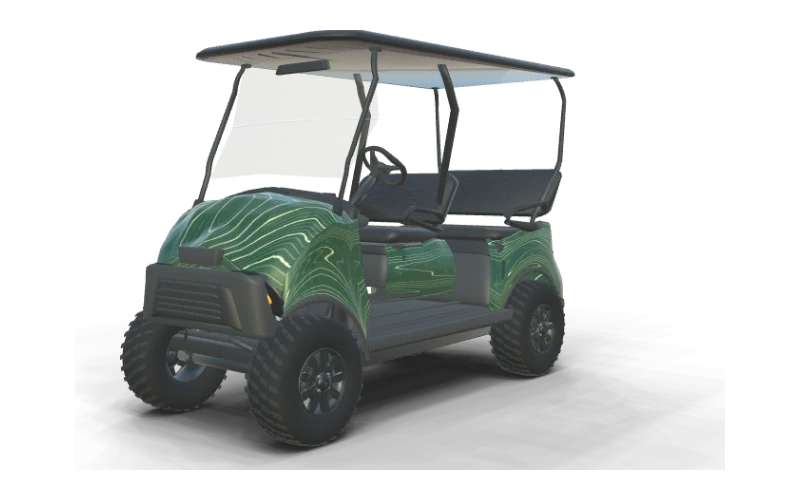
Contour Lines
E-Z-GO Liberty Summit X ELiTE Lithium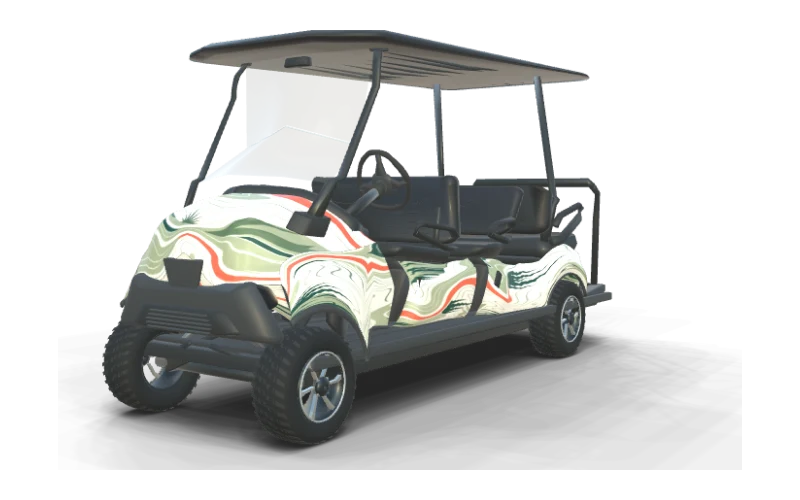
Fairway Green
E-Z-GO Express 6 Touring S ELiTE Lithium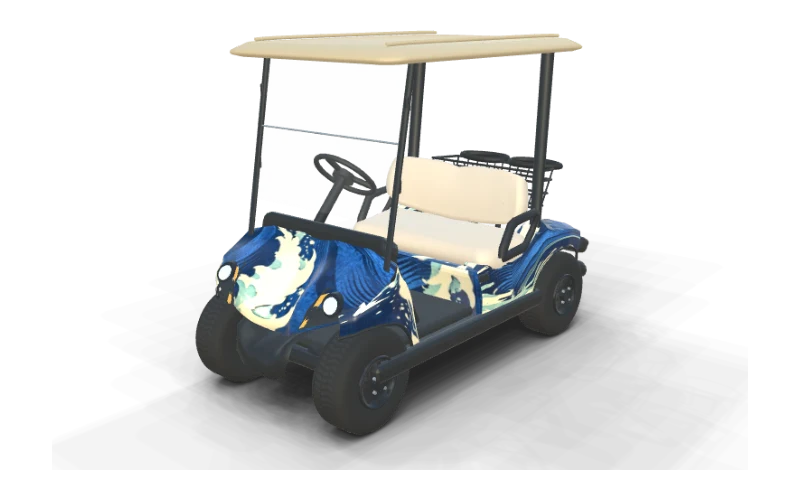
Coastal Current
Yamaha Drive² PTV QuieTech EFI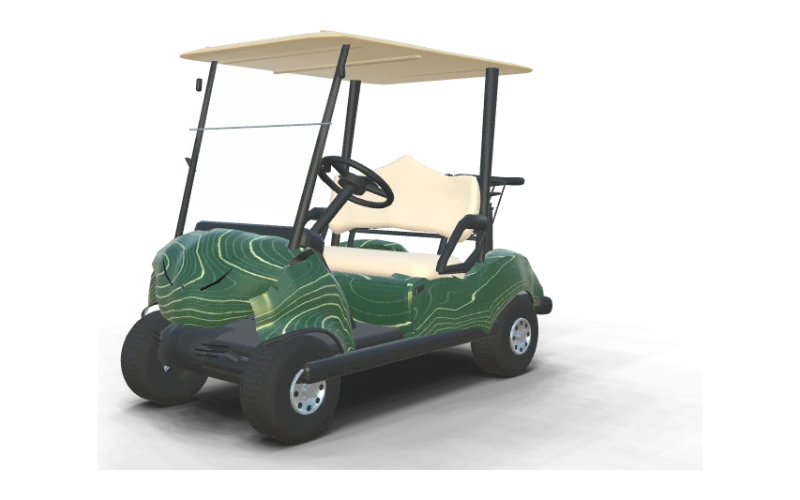
Contour Lines
Yamaha Drive² Fleet QuieTech EFI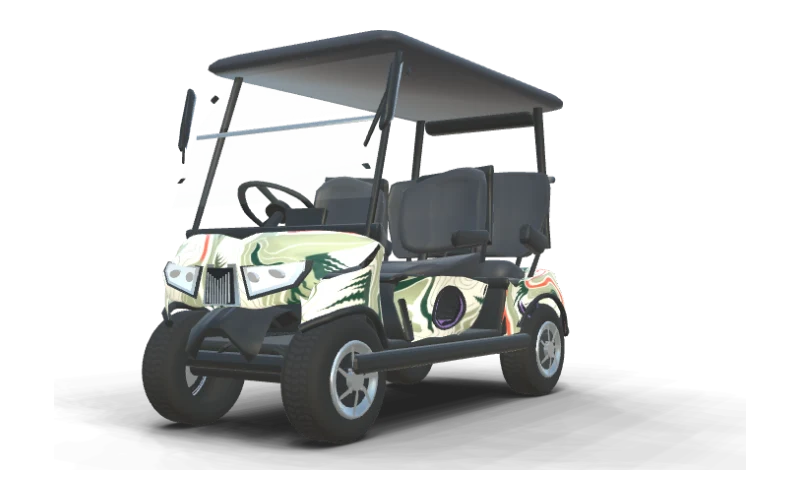
Fairway Green
Evolution D5 Ranger 4 Plus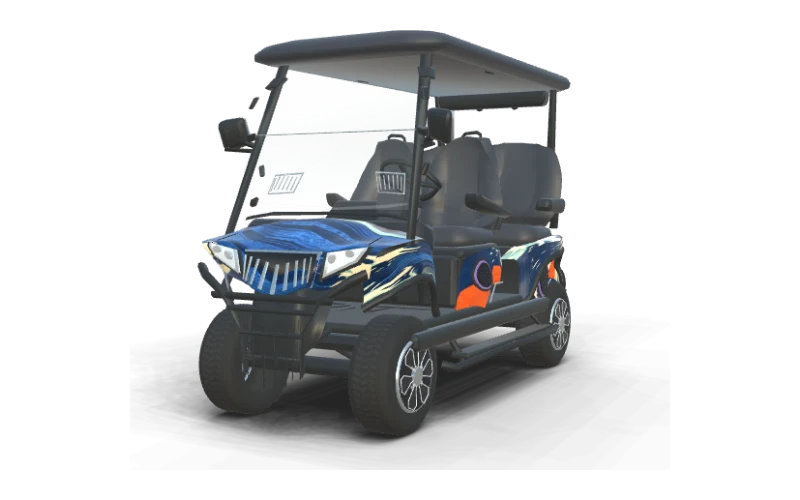
Coastal Current
Evolution D5 Maverick 4 Plus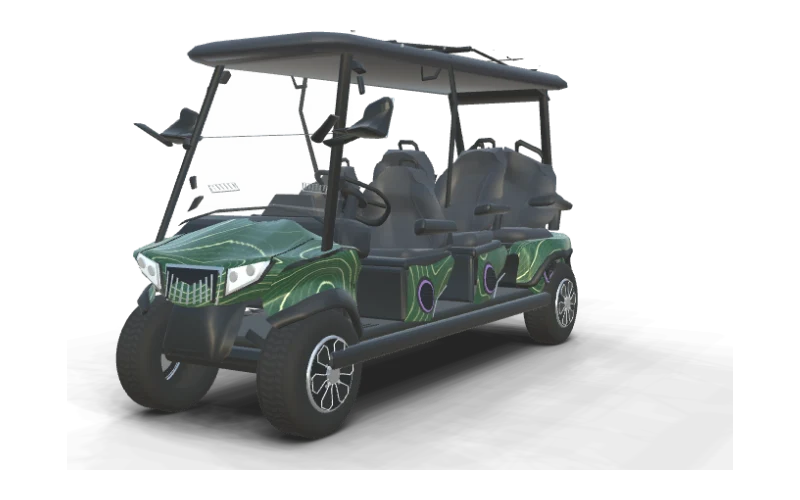
Contour Lines
Evolution D5 Ranger 6 Plus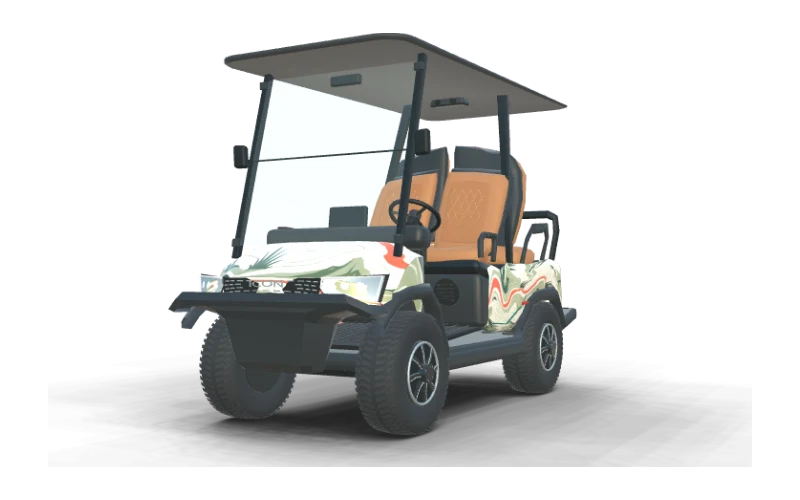
Fairway Green
ICON i40X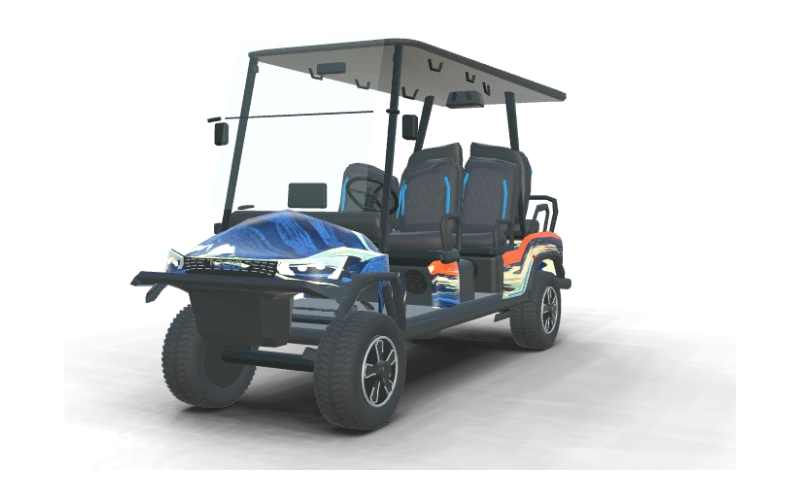
Coastal Current
ICON i60LX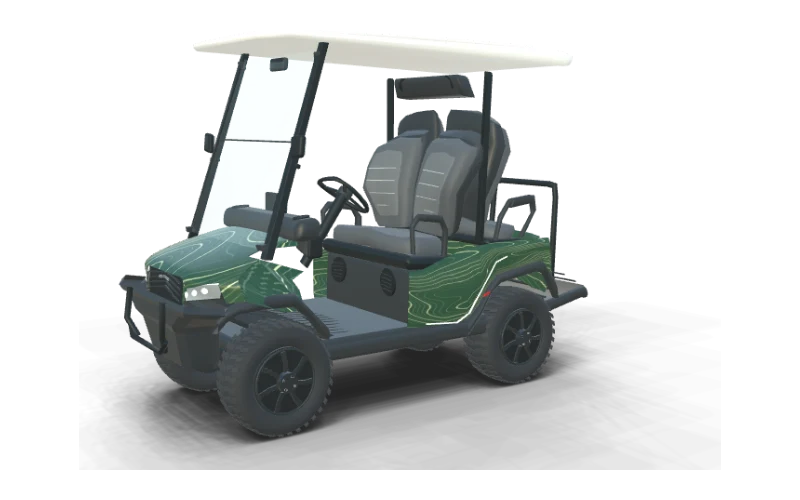
Contour Lines
Bintelli Beyond 4PR Lifted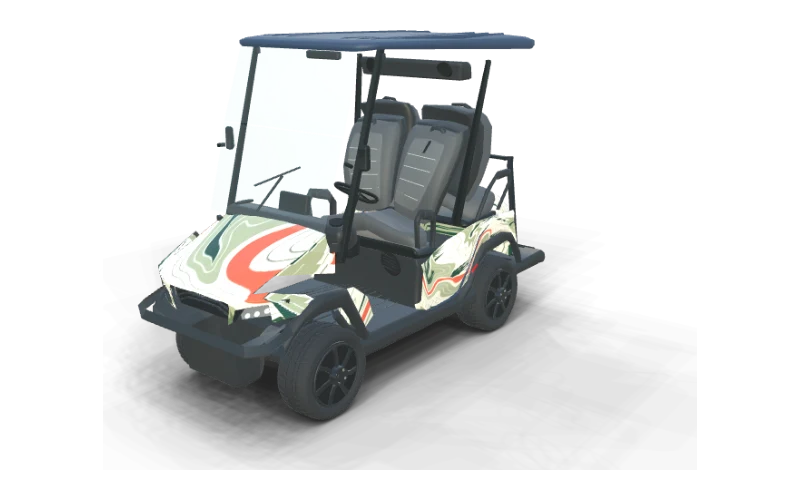
Fairway Green
Bintelli Beyond 4PR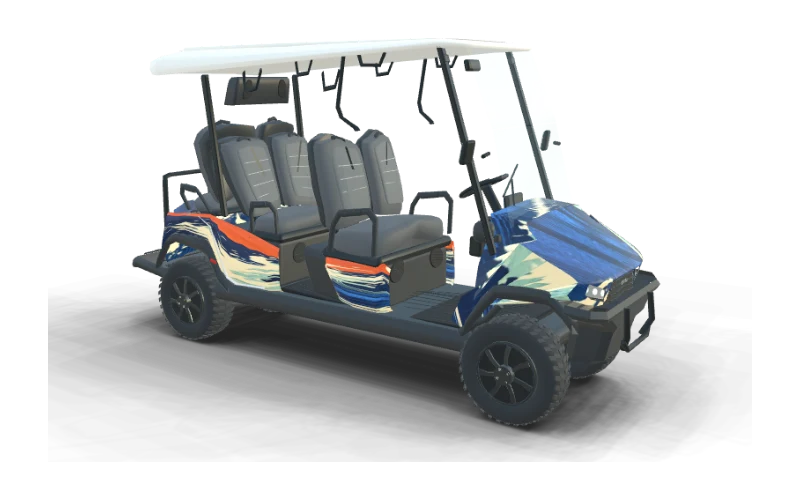
Coastal Current
Bintelli Beyond 6PR Lifted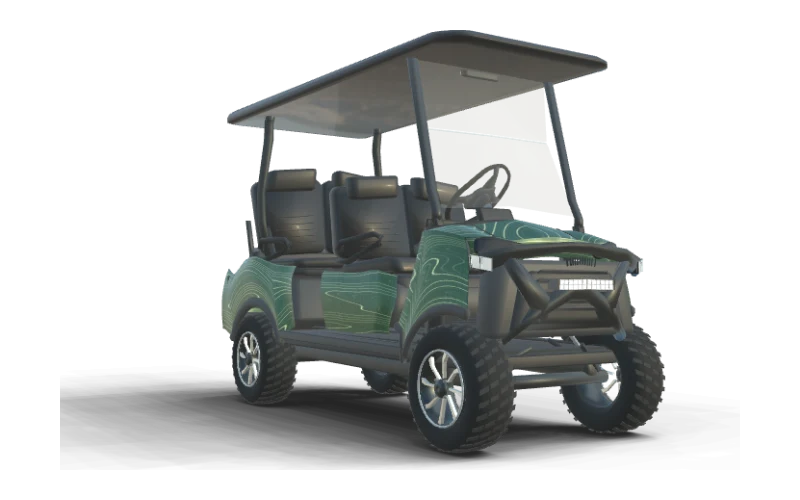
Contour Lines
Denago EV Rover XL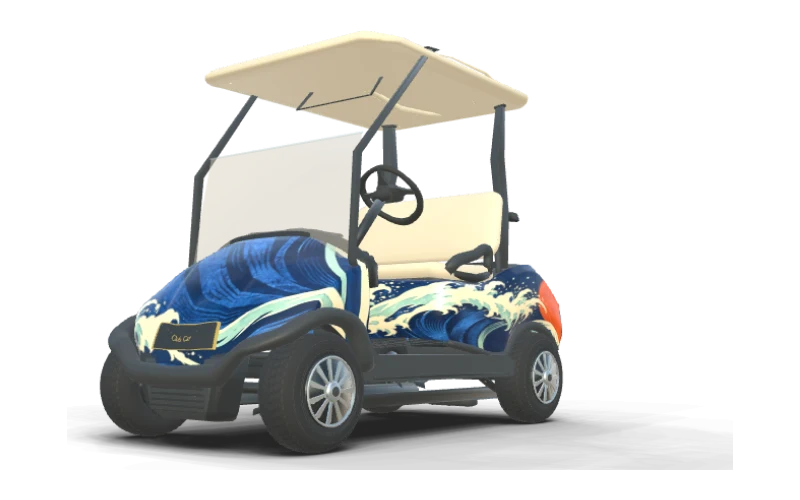
Coastal Current
Club Car Precedent i2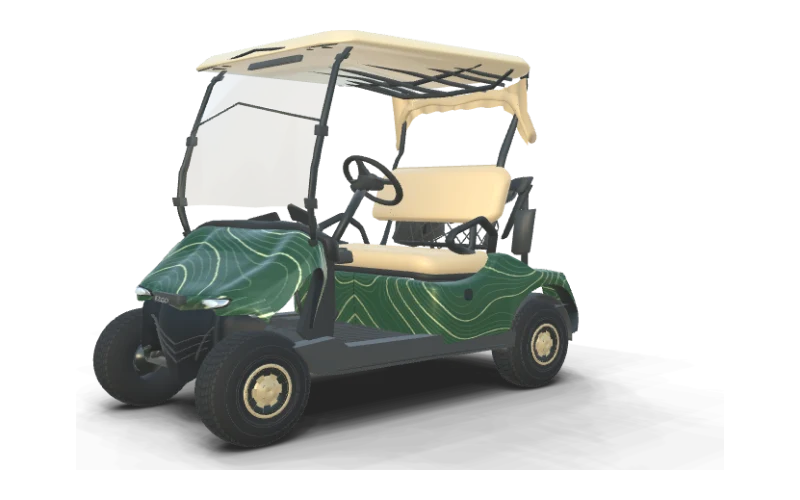
Contour Lines
E-Z-GO Freedom TXT (updated front cowl)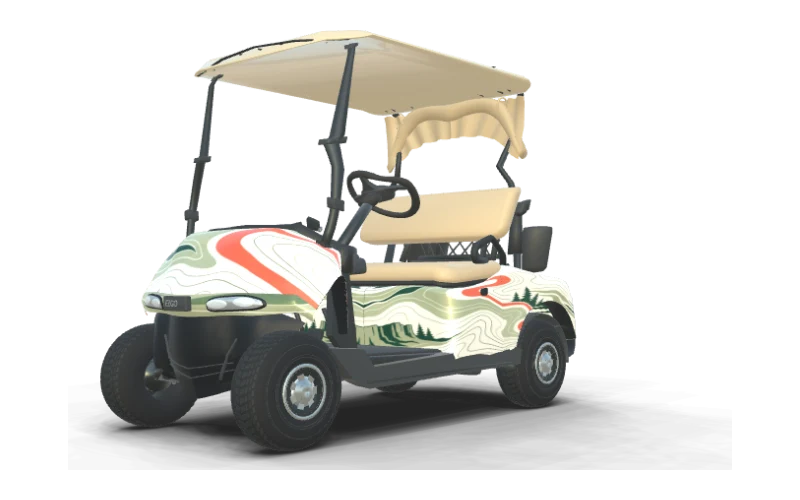
Fairway Green
E-Z-GO Freedom RXV (early front cowl)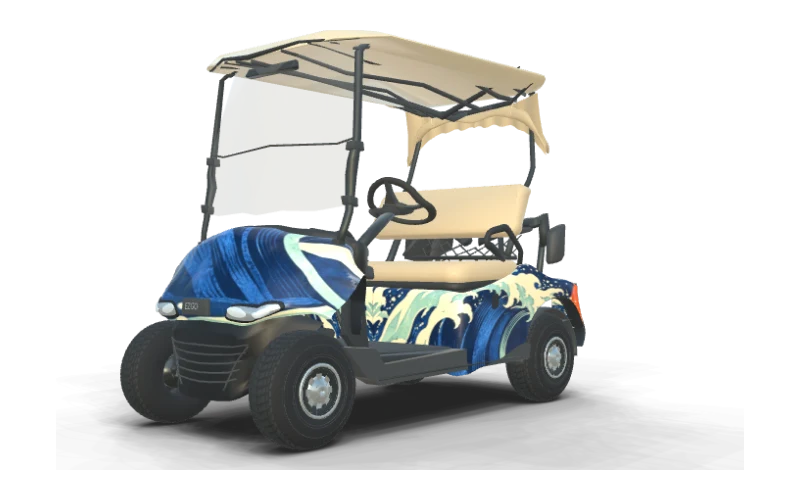
Coastal Current
E-Z-GO Freedom RXV (mid-generation front cowl)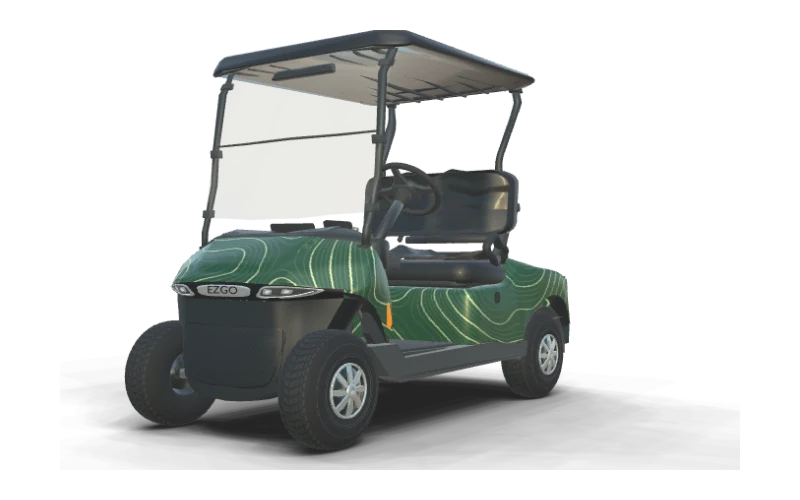
Contour Lines
E-Z-GO Freedom RXV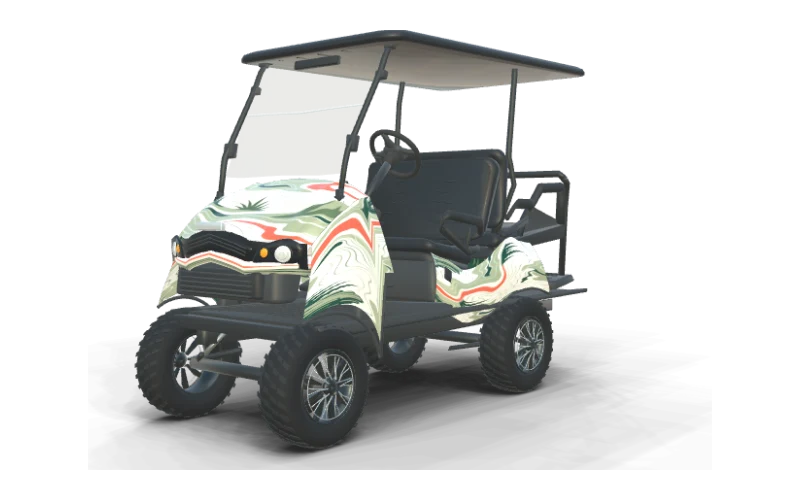
Fairway Green
E-Z-GO Express S4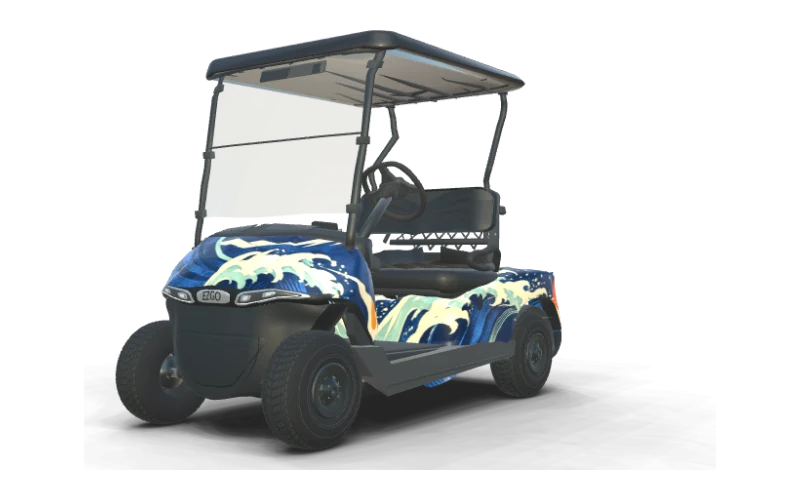
Coastal Current
E-Z-GO Valor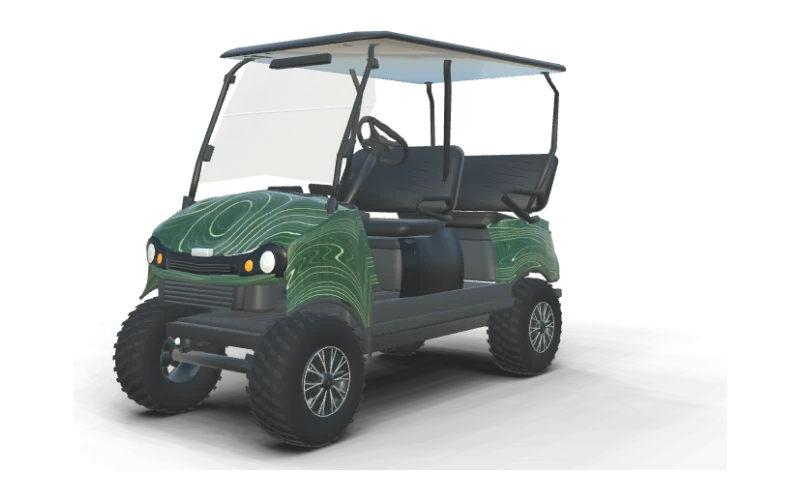
Contour Lines
E-Z-GO Liberty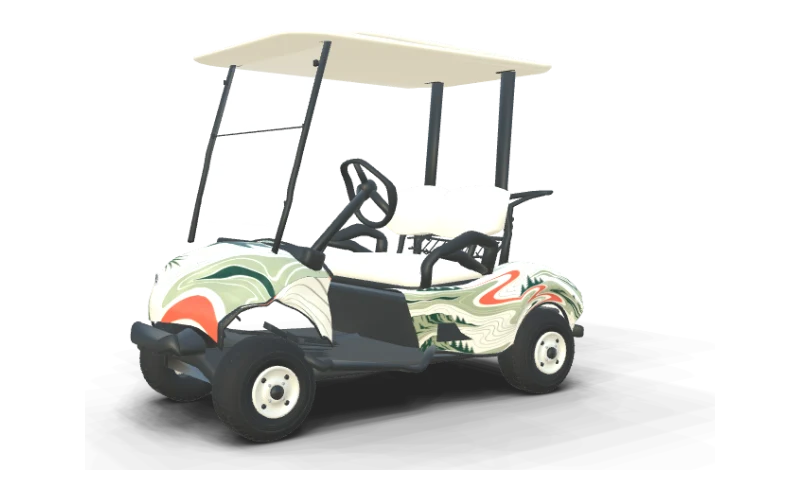
Fairway Green
Yamaha The DRIVE / G29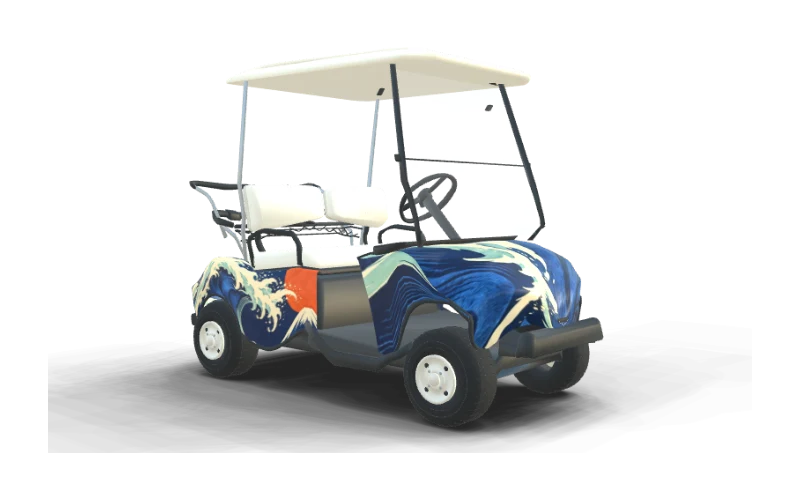
Coastal Current
Yamaha G16 Ultima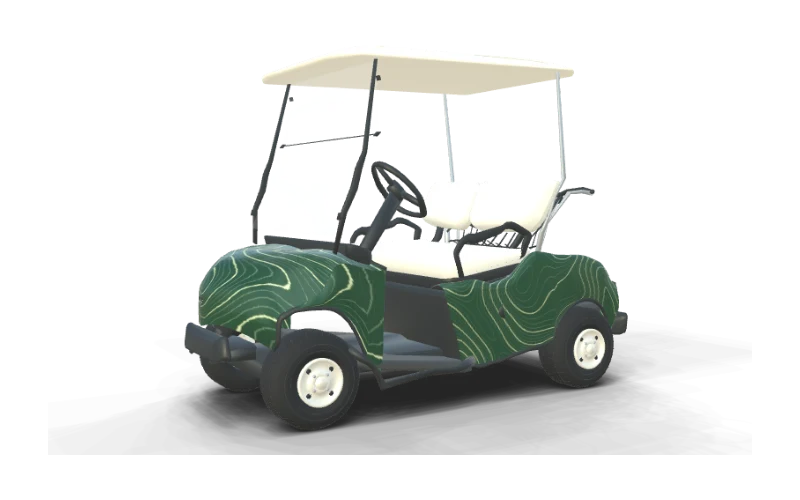
Contour Lines
Yamaha G19 Ultima 48V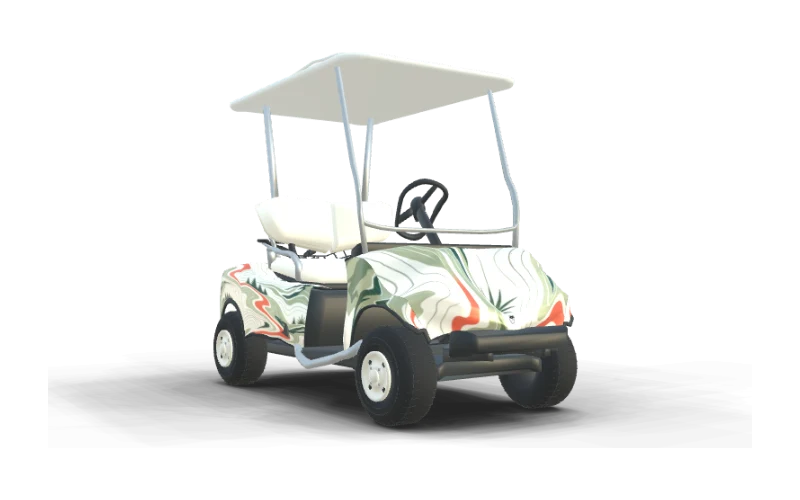
Fairway Green
Yamaha G22 G-Max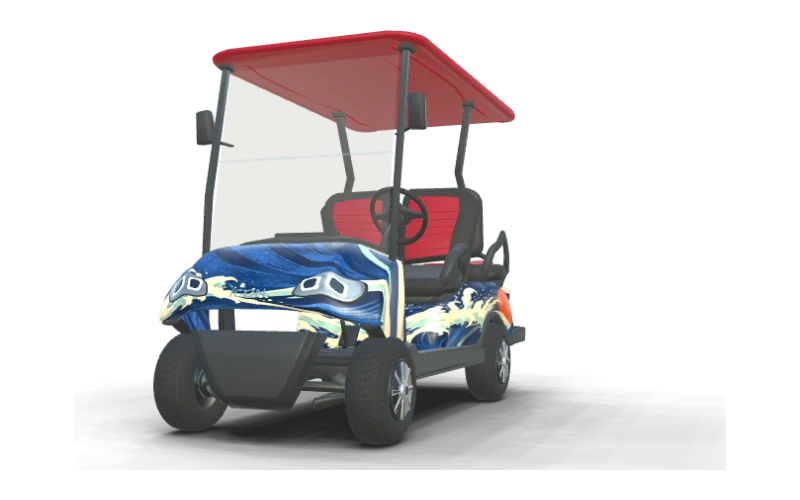
Coastal Current
ICON i40 Standard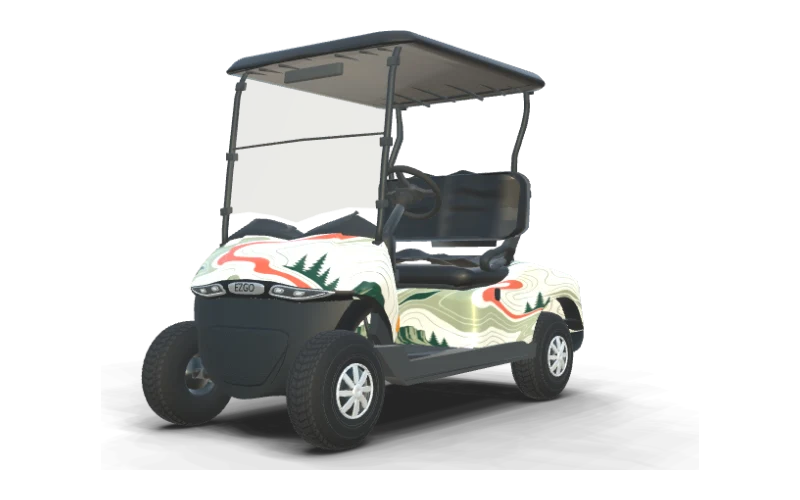
Fairway Green
E-Z-GO RXV 2 Freedom ELiTE Lithium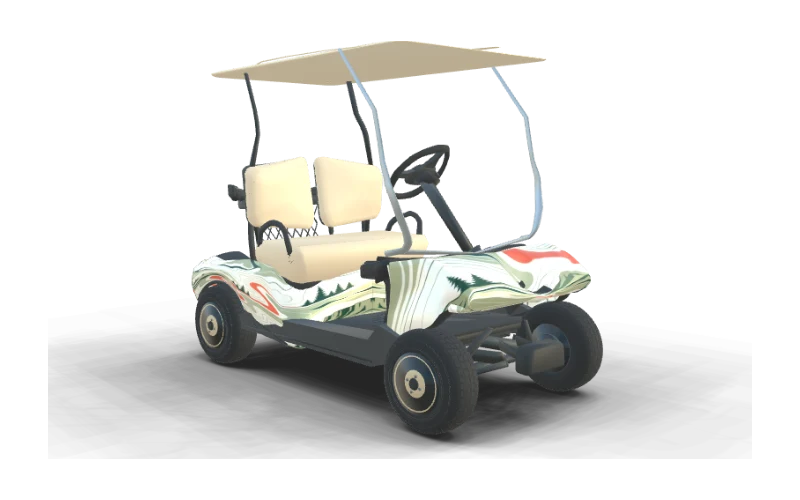
Fairway Green
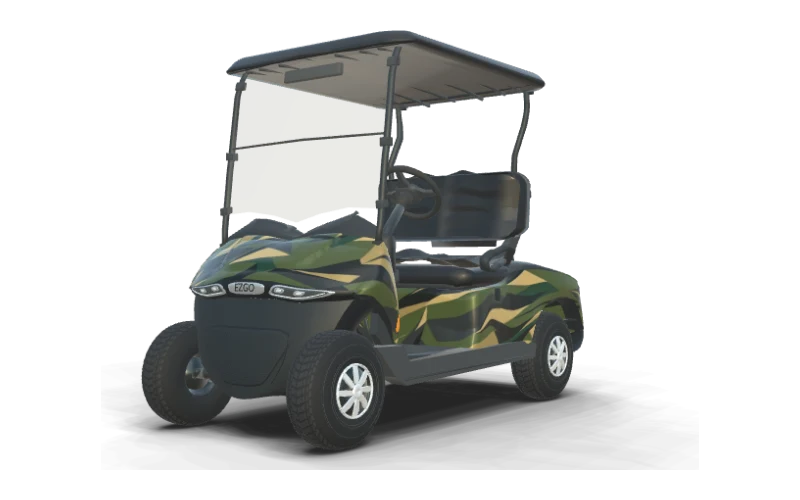
Club Car DS (early body)Camo Patterns at Two Different Scales
Ask AI to create camo in two scales and compare the wrap designs on your cart. Camo scale changes how your cart reads from across the parking lot. Large patches make a bold pattern you can recognize at 20 feet, while smaller marks give the body a finer texture that comes into focus as you walk closer.
On a short cowl, a few large shapes can carry the design without crowding the edges. Longer side panels have room for more repetition, but keep enough contrast between neighboring colors that the pattern does not blend into one flat shade.
Compare the renders on different bodies and turn your own cart in 3D before settling on a scale. For more examples of pattern size and panel placement, read our golf cart camo wrap scale guide.
Patriotic Wraps Without a Team Logo
Ask AI for a patriotic wrap in your favorite colors, then compare a few arrangements on your cart. Red, white and blue can give your cart a patriotic look without putting a team logo on every panel. Start with one dominant color, then use the other two for stripes, stars or broad shapes that connect the front and sides.
A dark blue field can anchor the cowl while a red stripe runs along each side. Leave some open space around the stars or lettering so those details stay distinct against the curves and panel edges.
The wave designs below show how one flowing idea changes across four cart bodies. Try a similar arrangement on your cart, rotate the preview and check that the rear feels like part of the same design.
Clean Stripes for a Two-Seater
Ask AI for a striped wrap, then compare a broad band with a narrower accent on your cart. A clean stripe gives a two-seater direction without covering every inch in detail. A broad band along the side can follow the body line, with a narrower accent on the front cowl to bring the look around the cart.
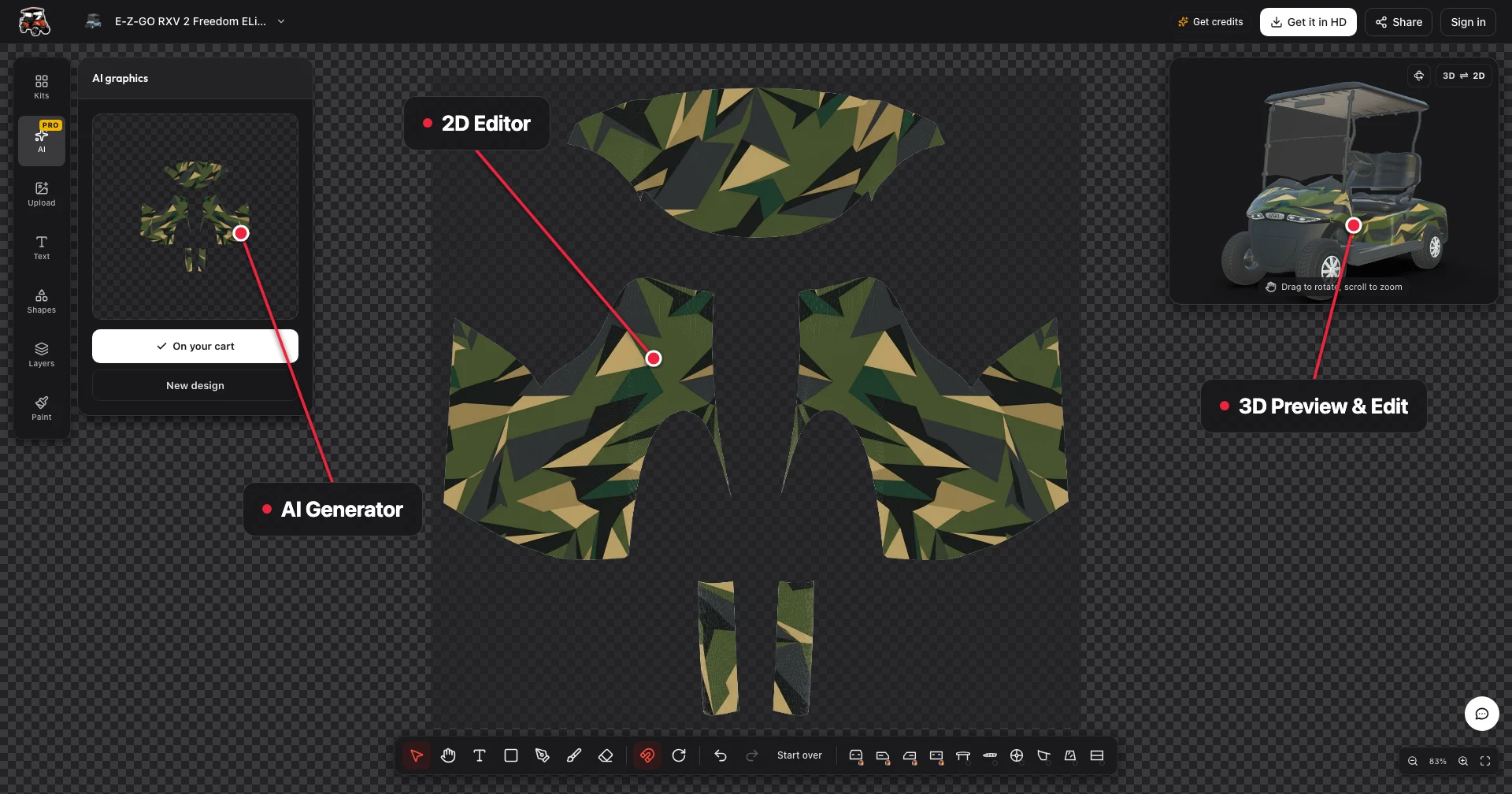
The unfolded sheet brings the front, sides and rear together, so you can see how a stripe moves across the whole cart. Use the 3D view to check the transition and adjust each wrap zone until the relationship looks intentional.
Pick two colors with enough contrast to show from 20 feet, then keep the rear treatment simple. A small change in stripe width or position can make the difference between a balanced side and one that feels crowded.
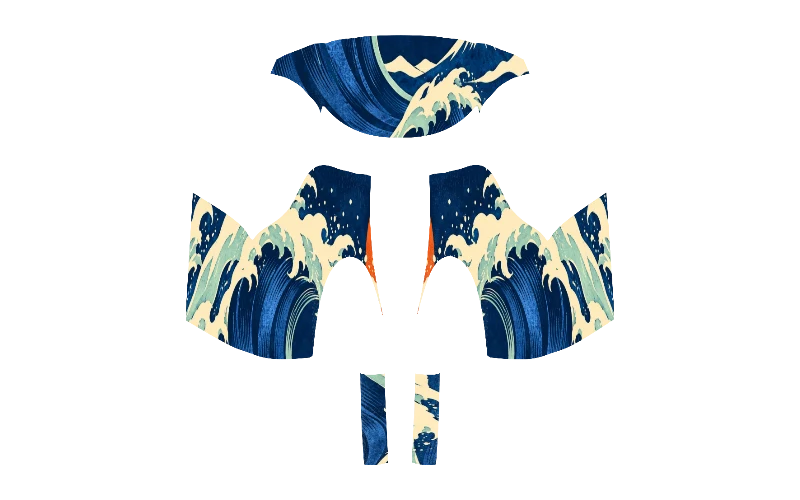
Custom Golf Cart Wrap Ideas With AI Topographic Patterns
AI can turn a few color and scale choices into a complete topographic wrap for your cart. Topographic lines give a golf cart texture without relying on a large illustration. Ask AI for contour lines in your chosen colors, then look at how the line spacing sits on the cowl and the longer side panels.
For a quieter look, use neighboring shades such as charcoal and gray, with wider spaces between the contours. Stronger contrast and larger loops make the pattern easier to see from a distance, especially on a lifted cart with more visible bodywork.
Keep the direction of the lines in mind at each panel edge. Spin the 3D cart to compare both sides and the rear, then refine the flat sheet until the pattern has a consistent visual weight around the body.
A Small Decal Instead of a Full Wrap
Ask AI for a small decal or a full wrap and compare how much of your cart color each idea leaves visible. A small decal lets your factory color do most of the work. A name, number or simple logo on one side can make the cart your own while leaving the shape and finish of the original body easy to see.
If you want more color, try matching accents on both side panels or a single shape on the front cowl. A full-body design gives you the most room to carry a pattern around the cart, including the rear.
Compare the coverage options below, then use the 3D view to judge the size of your artwork against the actual panel. For more placement ideas, see golf cart decals and consider how much open space you want around the design.
Light Body or Dark Body?
Ask AI for light and dark versions of a wrap idea to see which palette suits your cart. Your factory body color is part of the design wherever it remains visible. White gives dark lines a crisp edge, while black can make light lettering and bright accents stand out without needing a busy background.
On silver or gray, choose a shade that is clearly lighter or darker than the body so the graphic holds its shape. Bright and two-tone carts already have a strong color story, so pick one existing color to repeat in your artwork.
Match the roof canopy, seats, rims, trim and windshield tint to your wrap in the 3D editor, then compare your options from the same angle and distance. Turn the cart to check the curved cowl and rear as well as the side, where a design often looks largest.
Turn a Photo Into Golf Cart Wrap Ideas With AI
AI can turn a reference photo into complete custom wrap artwork on your cart panels. A photo can give AI a starting point for the colors, texture or mood you want on your cart. Use a landscape for contour colors, a favorite fabric for a pattern or a picture of artwork that has the visual balance you like.
Add a description of what you want to carry over, such as broad green shapes over a dark base. A text AI design costs 10 credits, and an AI design using a reference photo costs 20 credits.
Once the design is on the sheet, refine the panels and spin the 3D cart to see the result from every side. Try it with AI, then compare the cowl and rear with the larger side panels before you export.
The Same Design on Two Cart Bodies
Generate a wrap idea with AI, then compare how the artwork looks on different cart bodies. The same wrap idea can look different on two cart bodies. A short two-seater concentrates the artwork into a compact profile, while a lifted four-passenger cart gives the side graphics a different shape and more room to spread.
Look at where the cowl curves, where the side panels end and how much of the rear body is visible. A broad stripe or contour pattern may need a different placement on each cart to keep its visual weight balanced.
Browse Club Car golf cart wraps, E-Z-GO golf cart wraps and Yamaha golf cart wraps to find your starting body. Open a design on your cart and turn it in 3D to compare the front, sides and rear.
Credits for Trying AI Patterns
You can browse designs, change colors, upload images and preview your cart in 3D for free. Start with a ready design or your own artwork, then turn the cart to see how each choice works across the body.
Credits pay for AI designs and HD exports. A text AI generation is 10 credits, a reference photo AI generation is 20 credits, and the HD watermark-free export unlock for one cart is 30 credits.
The entry pack is $9.90 for 200 credits, and pack credits never expire. See the pricing page for the available packs, then keep any remaining credits for another idea when you are ready.
Golf Cart Wrap Ideas FAQ
Design Your Golf Cart Wrap in 3D
Pick your cart, generate AI wrap ideas in 3D, customize roof, seats and wheels, and only pay for AI designs and HD exports.
Start designing