Club Car Golf Cart Wraps
Start with a plain description or a reference photo and let AI create custom Club Car wrap designs directly on the panels. Compare looks across seven 3D bodies from Onward and Tempo to early DS, add logos or lettering, and export in HD.
Club Car Wraps by Body Style
AI can turn a few colors or a reference photo into a complete Club Car wrap design. Club Car wraps start with the shape of your own cart. Look at the front cowl, the seat arrangement and the stance before choosing a body, because those details change how a graphic sits on the cart.
The seven bodies below cover compact two passenger carts and three distinct four passenger Onward layouts. The early DS and Precedent i2 have their own profiles, so compare their front curves and sides before settling on a design.
Use the table to narrow your choice, then open the Club Car designer and turn the cart in 3D. Checking the front, both sides and rear gives you a clearer starting point for your artwork.
Onward Two-Passenger Wraps
Ask AI for a wave or stripe design and see how it looks on your Onward. The Onward 2 Passenger gives you a compact canvas with a prominent front cowl and short sides. A broad wave or stripe can fill the side without needing a lot of small detail to hold the design together.
Start with the largest shape and check where it lands near the edges of each panel. A color from the side graphic repeated on the cowl can tie the front to the rest of the cart without making every surface busy.
Choose the two passenger Onward from the cards and rotate it in the editor. Compare the left and right sides as well as the rear, then adjust the artwork until the proportions feel right from each angle.
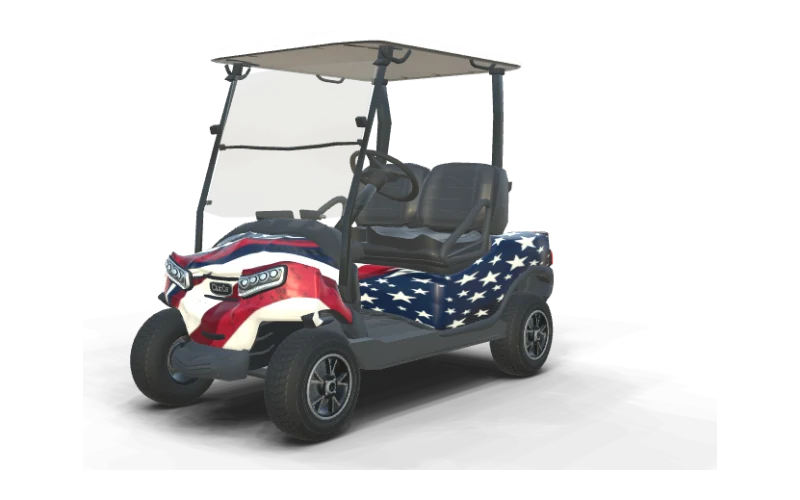
Club Car Onward 2 Passenger Wrap
ride height, two seats, gas, Glacier White
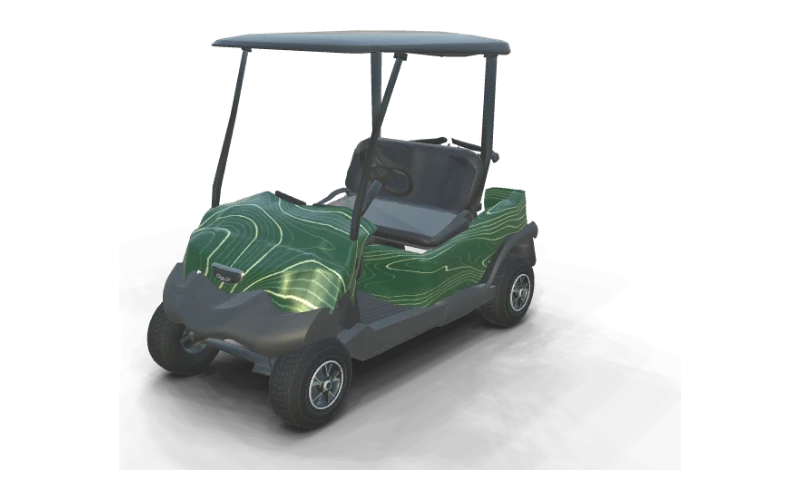
Club Car Tempo Wrap
ride height, two seats, gas, white body with black roof and seats
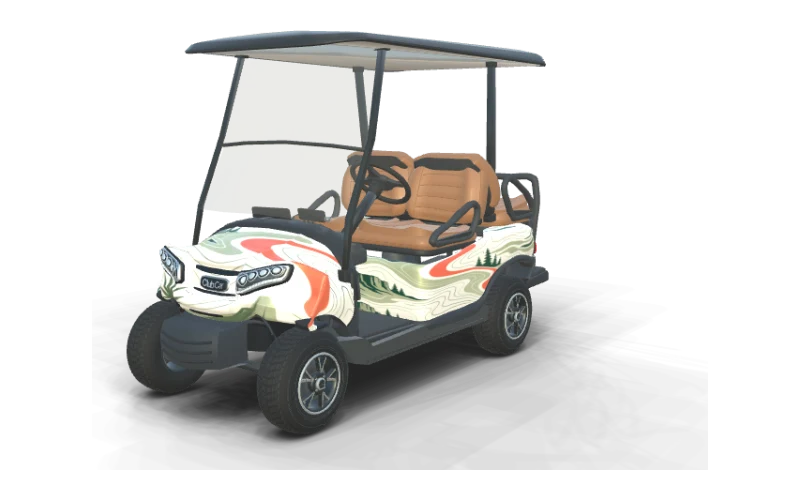
Club Car Onward 4 Passenger Wrap
ride height, rear-facing second row, gas, Matte Blue Onyx
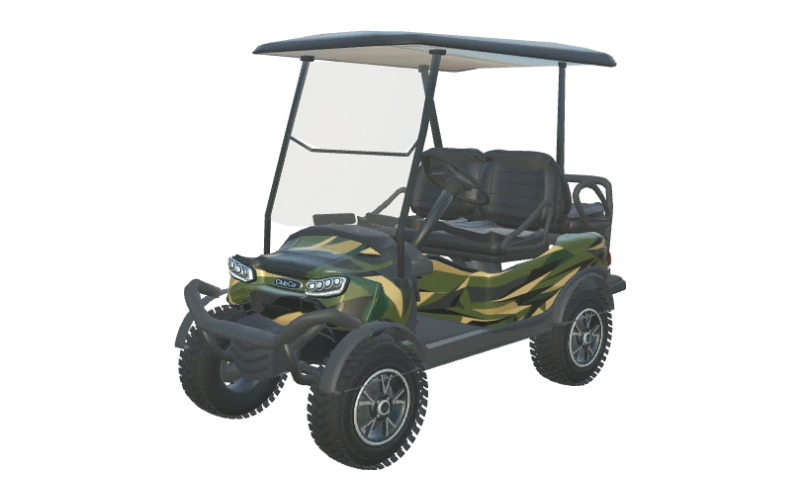
Club Car Onward Lifted 4 Passenger Wrap
rear-facing second row, gas, Glacier White
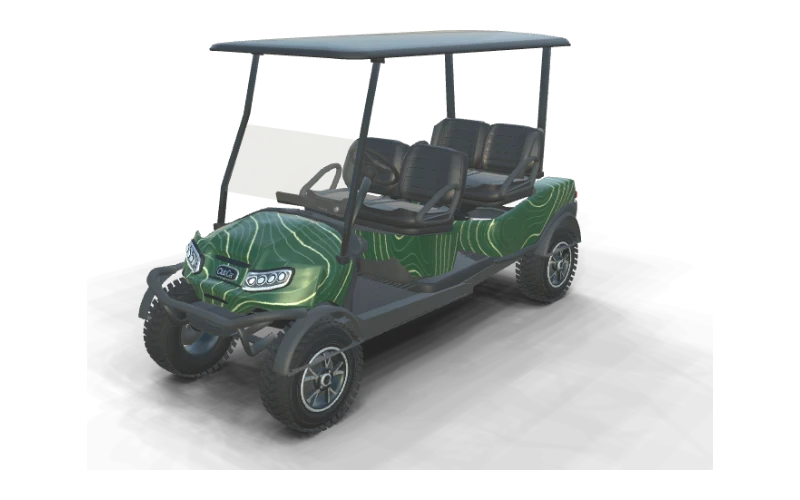
Club Car Onward 4 Forward Lifted Wrap
four forward-facing seats, HP Li-Ion PTV, Metallic Black
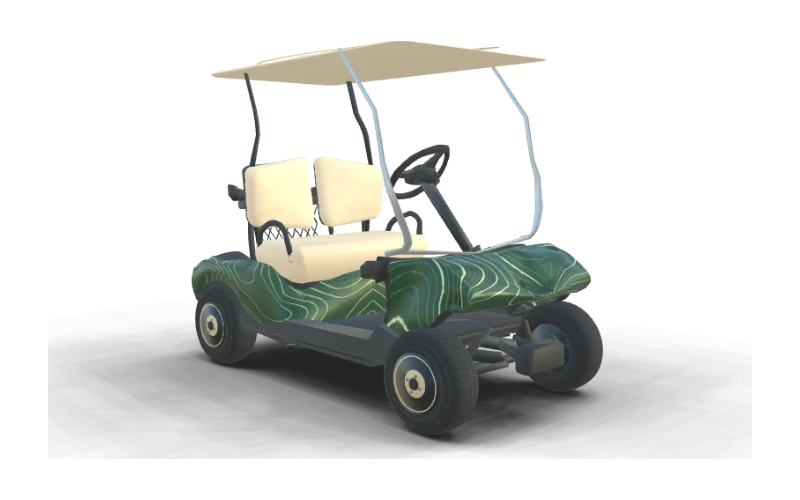
Club Car DS (early body) Wrap
seats, split backrests and silver roof supports
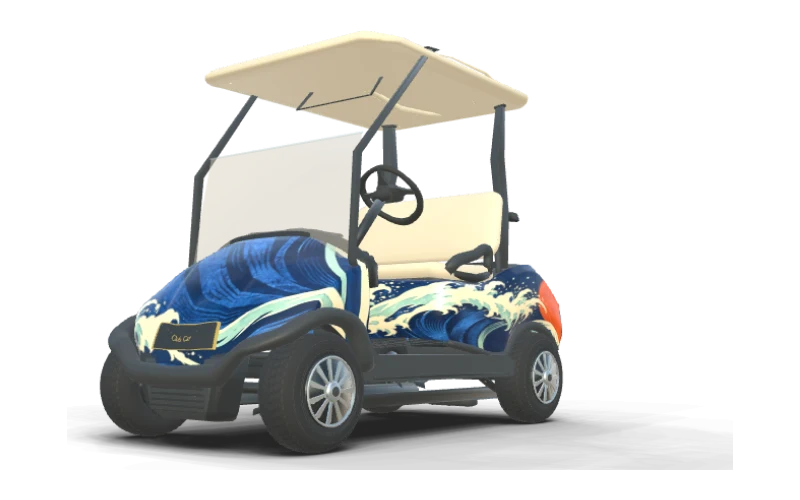
Club Car Precedent i2 Wrap
seats, stock-style front cowl and black wraparound bumper
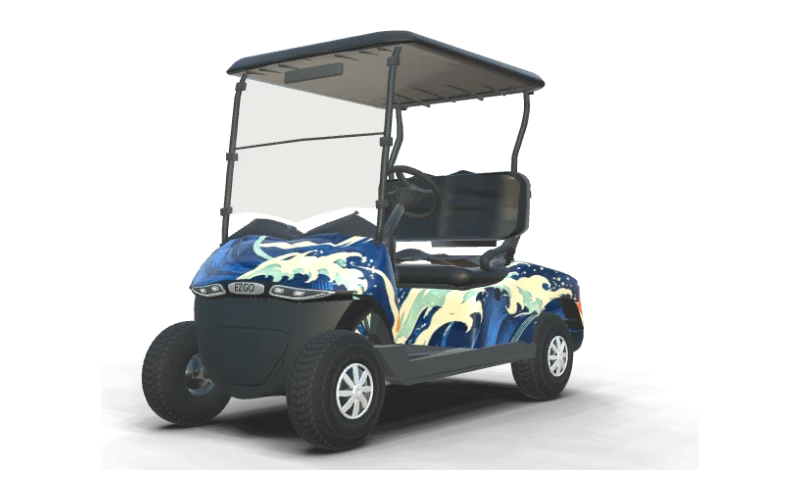
Design Your Own Wrap
Start from a library design, an AI pattern or your own artwork
Onward Four-Passenger Seating Layouts
Generate a wrap idea with AI, then see it on the Onward body that matches your cart. The three four passenger Onward bodies differ in seat direction and stance. The standard and lifted versions have a rear-facing second row, while the Onward 4 Forward Lifted has four seats facing the front of the cart.
Match those features to your cart before judging the artwork. A lifted stance changes the view of the body, and the forward-facing layout gives the cart a different side profile from the rear-facing models in the catalog.
Compare the renders below, then open the lifted rear-facing Onward if it matches yours. Turn it around and check how the side graphic relates to the rear body and the space beneath the rear seats on your cart.
The Front Cowl on a Club Car Tempo
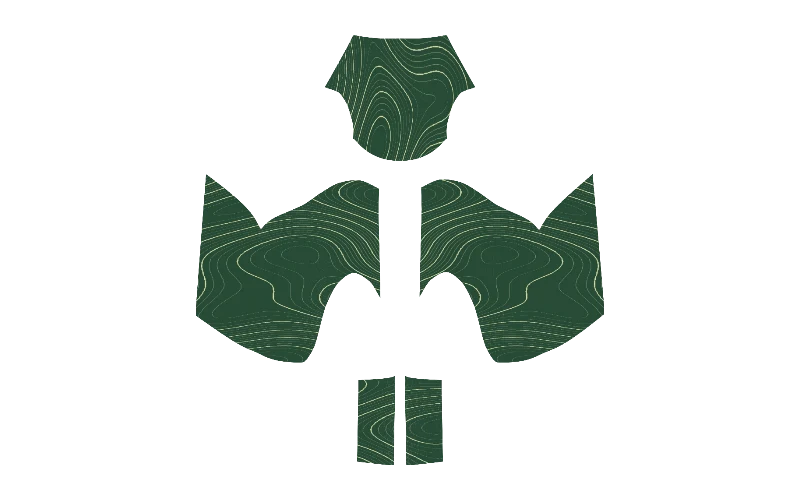
Ask AI for a Tempo wrap with a focal graphic on the cowl and matching colors on the sides. The Tempo front cowl is a good place to establish the direction of your wrap. Its curved surface gives a central graphic a different shape from the flatter artwork you see on the panel sheet.
Keep a focal shape clear of the cowl edges and use the sides to continue its colors or lines. A contour pattern can run across the body without every line meeting exactly, as long as the scale feels consistent.
The sheet separates the front cowl, left side, right side and rear body. Adjust each panel in the editor, then rotate the Tempo to see how the shapes look together from the front and corners.
A Wrap Layout for the Early Club Car DS
Ask AI for a custom DS wrap, then compare the artwork on the early body. The early Club Car DS body in the catalog covers carts from 1982 through the mid-2000s. Its split seat backs are a useful clue when you compare your cart with the model in the designer.
The DS has its own cowl and side profile, so place your main graphic with those shapes in view. A pattern with clear contrast can span the sides, while a simpler cowl treatment gives the front a recognizable focal point.
Open the early DS body and compare it with your cart before refining the panels. The renders below also show a Precedent and Tempo, making it easier to see how the same style changes across bodies.
Recognizing the Precedent i2 Body
Generate a wave or another wrap idea with AI and see it on the Precedent i2. The Precedent i2 has a rounded front cowl and a side profile worth comparing with your own cart. Look at both features together in the preview, since a single front view may not tell the whole story.
A wave design can follow the visual flow of the cowl and continue along the side. Keep the largest curve easy to read, then use smaller accents where they have enough space around the panel edges.
Turn the Precedent in 3D to inspect the rear and both sides before choosing your layout. If your cart looks closer to an early DS or Tempo, compare those bodies in the picker and use the closest match.
Club Car Camo Wraps From an AI Pattern
Ask AI to make a camo wrap in your preferred colors and scale. A Club Car camo wrap can be bold from a distance or detailed up close. Large patches give a short cowl a few clear shapes, while smaller marks bring texture to the longer visible sides.
Describe the colors and scale you want, such as broad olive patches on charcoal, and compare the result on your cart. Read our golf cart camo wrap scale guide for more ways to judge pattern size and contrast.
Try it with AI, then turn the cart to check the whole cart. You can keep the cowl quieter than the sides or carry the pattern around the whole body for a more continuous look.
Stars & Stripes
Club Car Onward 2 Passenger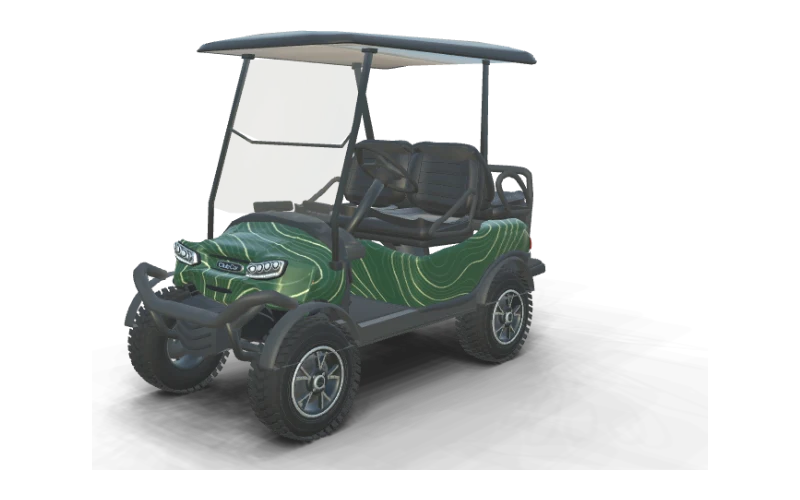
Contour Lines
Club Car Onward Lifted 4 PassengerContour Lines
Club Car DS (early body)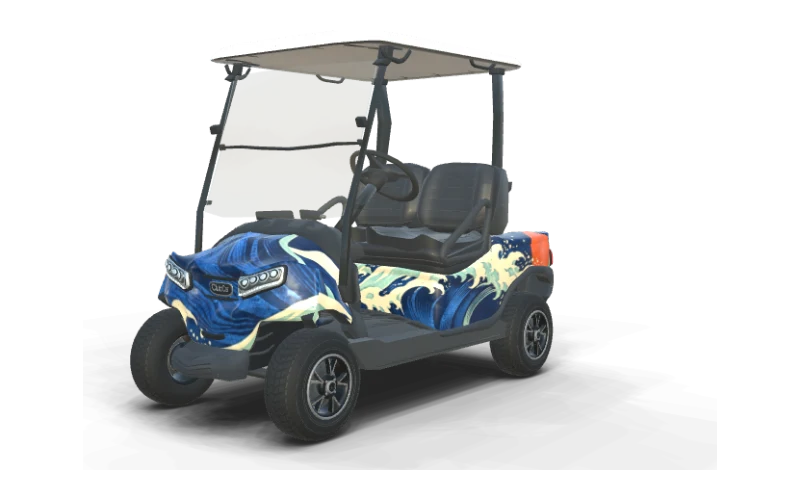
Coastal Current
Club Car Onward 2 PassengerContour Lines
Club Car TempoFairway Green
Club Car Onward 4 PassengerContour Lines
Club Car Onward 4 Forward LiftedCoastal Current
Club Car Precedent i2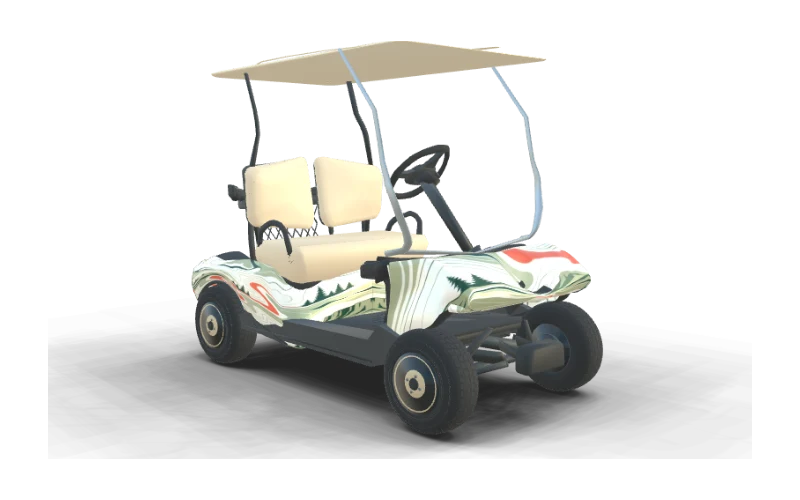
Fairway Green
Club Car DS (early body)One AI Wrap Design on Four Club Car Onward Panels
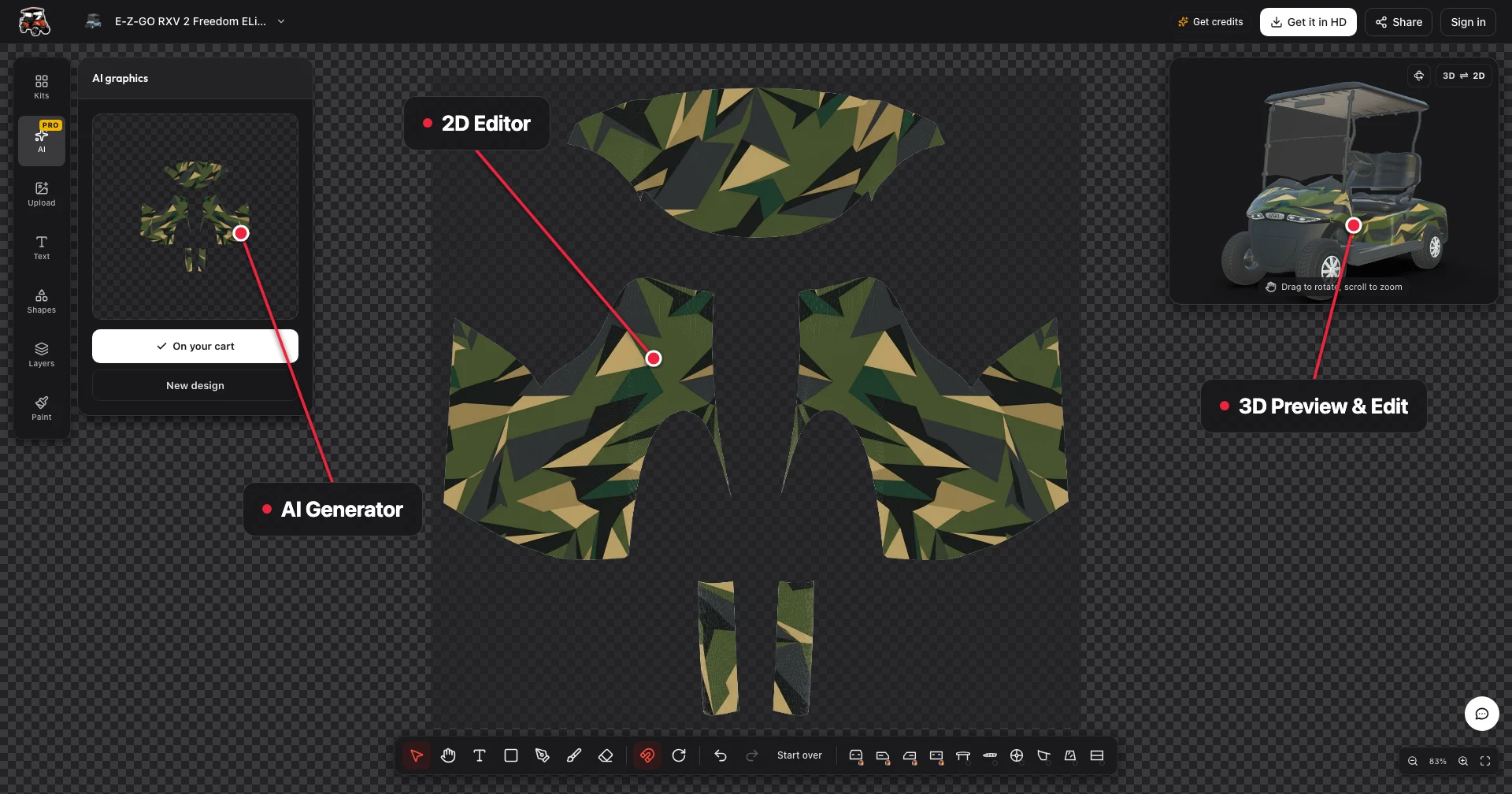
AI creates a complete Onward wrap design across the front, sides and rear. Describe the colors and shapes you want, or upload a reference photo to give the generator a visual starting point.
The 2D sheet lets you tune each panel while the 3D view shows how the pieces sit on the cart. Check the cowl curve and both side edges as you adjust the scale, especially when a stripe or large shape approaches a corner.
Rotate the Onward to inspect the rear as well as the side you started with. Small changes to placement can help the wrap feel cohesive while keeping the most important part of the design visible.
Club Car Graphics With and Without a Full Wrap
Ask AI for a full wrap or a smaller graphic, then compare the two directions on your Club Car. Club Car graphics can cover the whole body or leave much of your factory color visible. The right coverage depends on whether you want a complete color change, a strong accent or a small personal detail.
Side stripes give an Onward or DS a clear profile while keeping the stock cowl in view. A cowl graphic draws attention to the front, and a single side logo can identify your cart without filling the whole panel.
Compare the options below and preview your preferred coverage on your cart. For more ways to place a name or image, see golf cart decals and browse golf cart wrap ideas for more design inspiration.
Credits and HD Exports for Your Club Car
You can preview your Club Car in 3D and edit the panels manually for free. Choose your body, explore colors and artwork, and turn the cart to see the cowl, sides and rear before deciding on an export.
Credits pay for AI designs and HD exports. A text AI design costs 10 credits, a photo AI design costs 20 credits, and a watermark-free HD unlock for one cart body costs 30 credits for that body.
The entry pack is $9.90 for 200 credits, and pack credits never expire. Visit pricing to compare the available packs and keep any remaining credits for another design or cart when you need them for your next project.
Club Car Wrap Questions
Design Your Club Car Wrap in 3D
Pick your Onward, Tempo, DS or Precedent body, generate custom AI wraps in 3D, and only pay for AI designs and HD exports.
Start designing