E-Z-GO Golf Cart Wraps
Describe a wrap style or upload a photo and AI designs custom E-Z-GO graphics directly onto your cart panels. Try different directions across 11 3D bodies from RXV and TXT to Valor and Liberty, customize names or logos, and export in HD.
Golf Cart Wraps for E-Z-GO Models
A custom E-Z-GO wrap can start with a color, a theme or a photo you love. Describe your idea and AI creates artwork on the cart panels, giving you a complete design to explore.
Choose from 11 E-Z-GO bodies across the RXV, TXT, Liberty, Express and Valor ranges. The table helps you find a cowl and seating layout close to your cart before you refine the artwork.
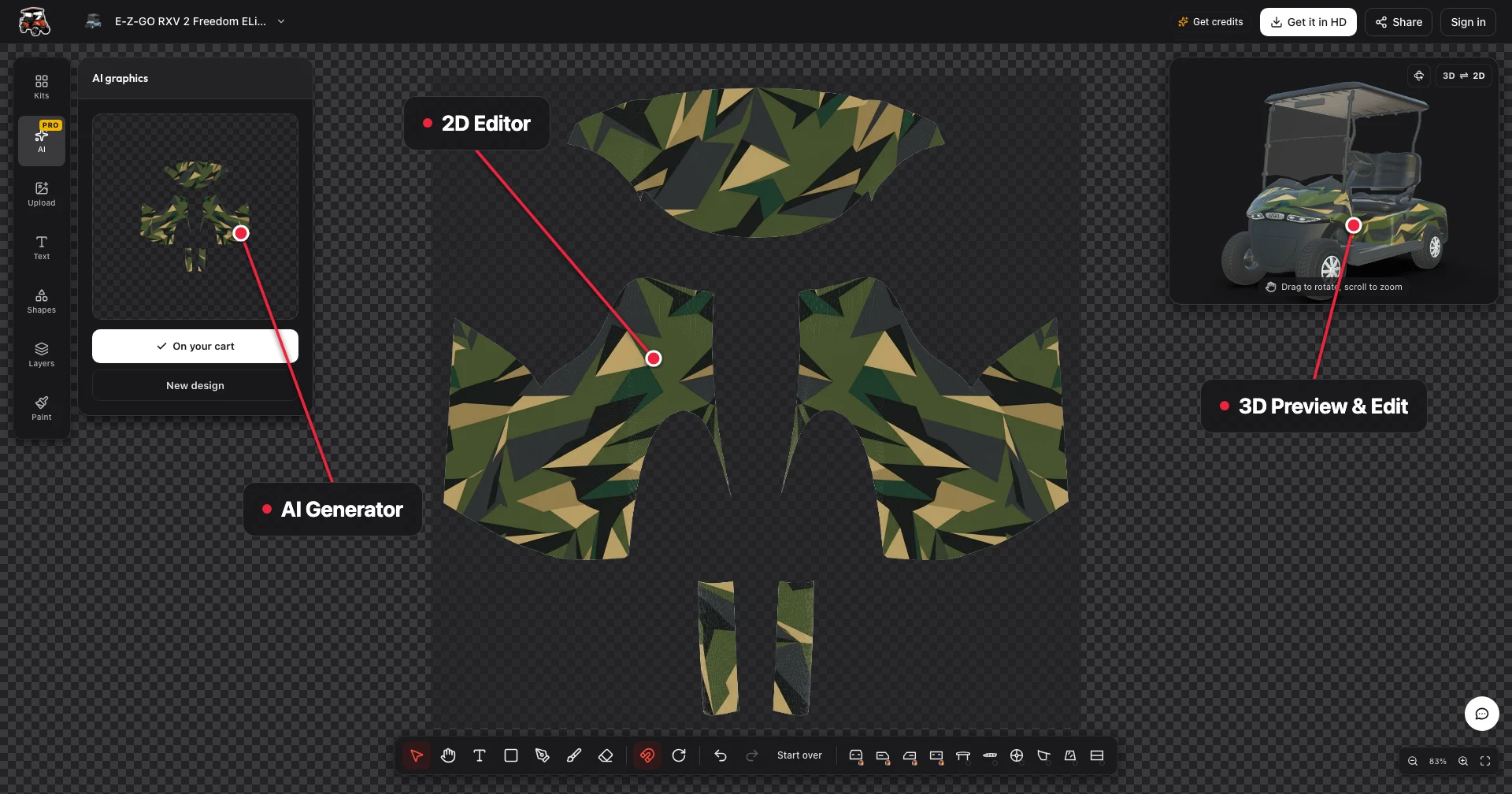
Open the designer, select your model and compare the AI design from each side in 3D. Add your name, number or logo, then adjust the composition until it feels like yours.
The Two-Seat RXV Freedom Body
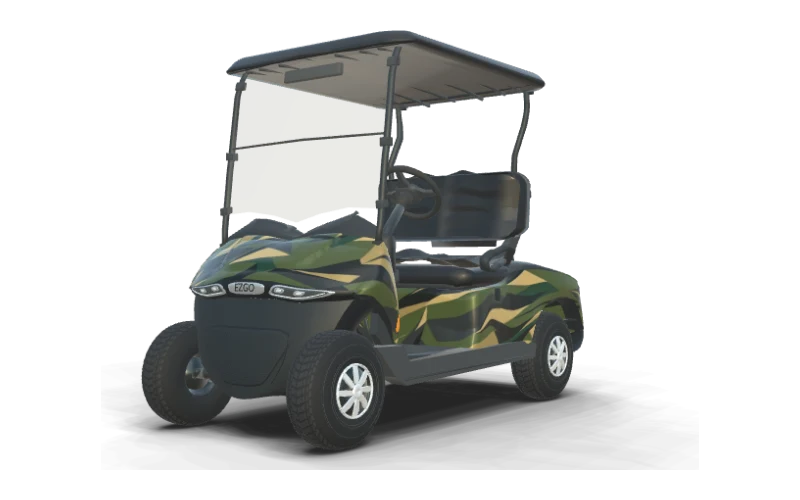
The 2026 RXV 2 Freedom ELiTE Lithium gives a custom wrap a compact two-seat canvas. Ask AI for a coastal wave, a bold stripe or another style you would like to see on your cart.
AI creates artwork across the panels so you can compare the cowl with both sides. Add a name or logo as a separate layer and give it room to stand out against the design.
Open the RXV Freedom in 3D to inspect your idea from the front, rear and sides. Adjust the artwork on the flat sheet until the look feels balanced around the cart.
Four Seats on the RXV Summit X
Give the RXV 4 Summit X ELiTE Lithium a look that suits your crew. Describe a theme or upload a reference photo and AI creates custom wrap artwork on the four-seat cart panels.
The Summit X has a rear-facing second row, unlike the four-forward Liberty. Compare its profile with the two-seat RXV below and see how your chosen colors and shapes work on each body.
Add a name, number or logo to make the design yours. Open the RXV 4 Summit X and turn the cart in 3D to inspect the artwork around the cowl, sides and rear.
RXV Front Cowls Across Model Years
A wave or stripe can look different across RXV cowl generations. Ask AI for the style you want, then choose the early, refreshed, MY24 or 2026 body that resembles your own cart.
Your model year is a useful starting point when selecting a body. Compare the front outline and curves with your cart so you can see the generated design on a shape that looks familiar.
Inspect the artwork from the front and both sides in 3D. Move a focal graphic or adjust its scale on the flat sheet until the spacing around the cowl gives you the look you wanted.
The Updated Freedom TXT Cowl
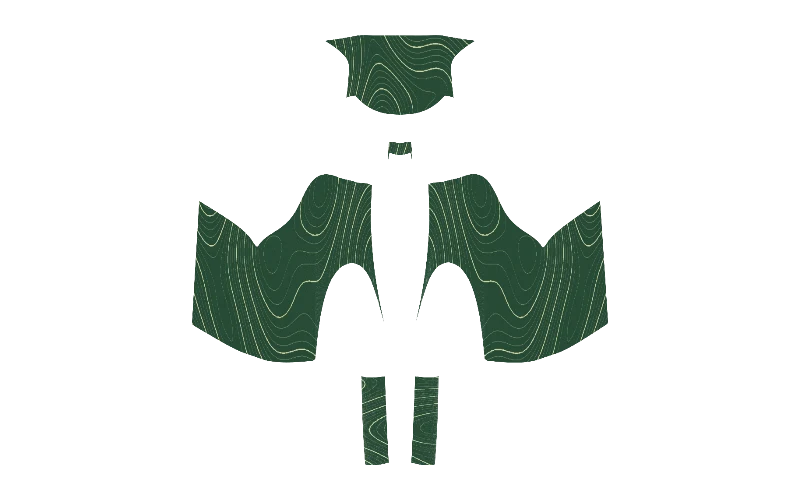
Give the updated Freedom TXT a custom look by describing your favorite colors and theme to AI. A clean topographic pattern or a sweeping stripe can become artwork across the cart panels.
The flat sheet separates the front cowl, left side, right side and rear body. Add a name or logo to the generated design and adjust each layer to suit the space on your TXT.
Open the updated Freedom TXT and compare its cowl with your cart. Turn the 3D model to see how the custom artwork flows from the front to the sides and rear.
Liberty and Express Body Layouts
Liberty and Express owners can start with a simple idea and let AI turn it into a custom wrap. Try a long sweep of color, a repeated pattern or a theme inspired by a favorite photo.
The Liberty Summit X and Liberty MY24 have four forward-facing seats. The catalog also includes the Express S4 MY24 and six-seat Express 6 Touring S, so choose the body that resembles your cart.
Compare the generated design on your selected model in 3D, match the roof canopy, seats, rims, trim and windshield tint, then add a name, number or logo. Give lettering space within the artwork and adjust the panels until the complete look feels right.
E-Z-GO Valor Side Decals Designed With AI
A Valor side decal can start with a color, a favorite theme or a photo. Choose the Valor MY24 body and tell AI what you have in mind to create custom artwork directly on its panels.
Try a bold fairway stripe or an illustrated coastal scene, then add your name, number or uploaded logo as a clean layer. Compare ideas on the cart until one feels like your own.
For more inspiration, browse golf cart decals and try it with AI. Turn the Valor in 3D to inspect the artwork and lettering from the side, front and rear before exporting in HD.
An AI Stripe Pattern on Two E-Z-GO RXV Wraps
A stripe is a good starting point when you want a coordinated RXV wrap but have not settled on a design. Describe your colors and the feel you want, and AI creates custom artwork on the panels.
Compare the design on early, refreshed, MY24 and 2026 RXV bodies. Each front cowl has its own outline, so the same stripe idea can take on a different character across the range.
Add a name or logo, then inspect the front and sides in 3D. Adjust the artwork on each panel until the stripe and lettering have the spacing you want around your chosen cart.
E-Z-GO Decals and Full-Body Graphics
A single decal can leave your factory color visible, while a full wrap carries a theme around the cart. Ask AI to explore a style in your favorite colors and compare how much coverage suits you.
Add a name on one side for a personal touch, or layer a logo over a larger custom design. The front cowl, both sides and rear give you room to build a coordinated look.
Browse golf cart wrap ideas for stripes, camo and other patterns. Bring your favorite direction into the designer and inspect the AI artwork on the E-Z-GO body that matches your cart.
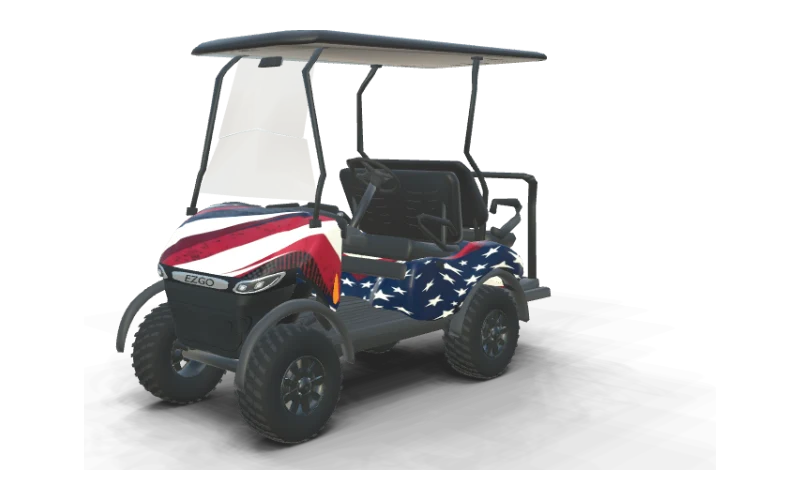
Stars & Stripes
E-Z-GO RXV 4 Summit X ELiTE Lithium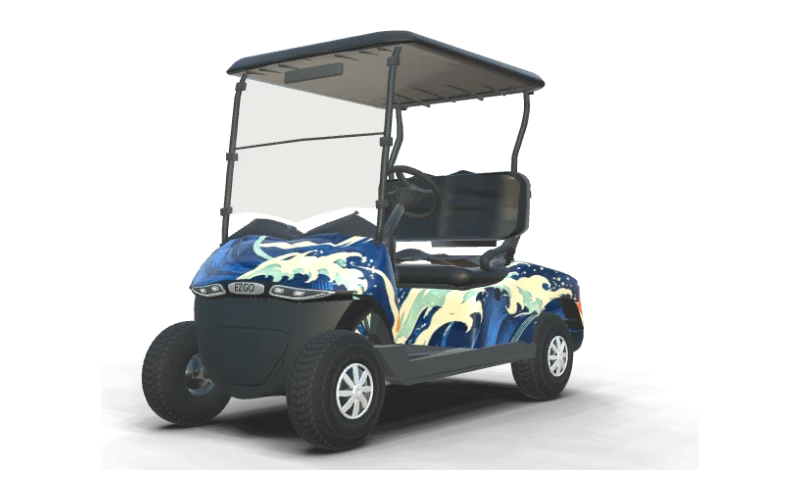
Coastal Current
E-Z-GO RXV 2 Freedom ELiTE Lithium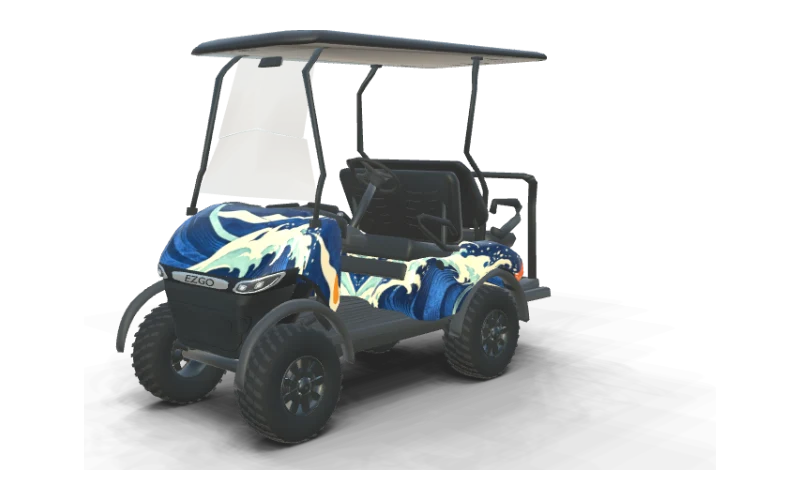
Coastal Current
E-Z-GO RXV 4 Summit X ELiTE Lithium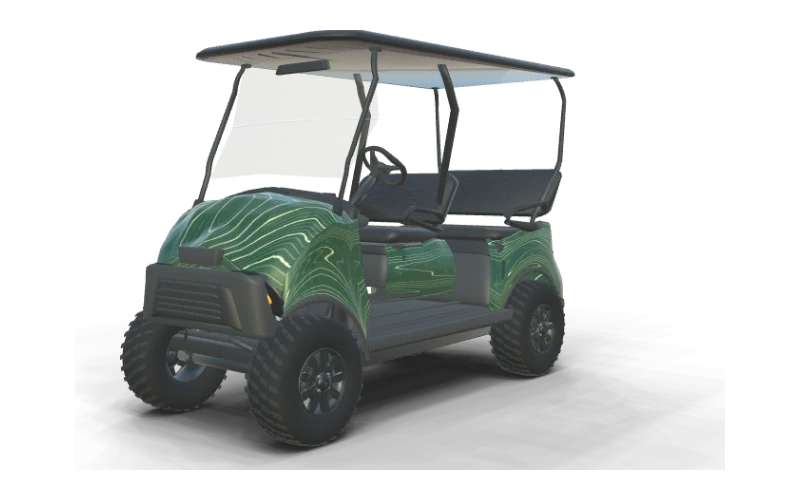
Contour Lines
E-Z-GO Liberty Summit X ELiTE Lithium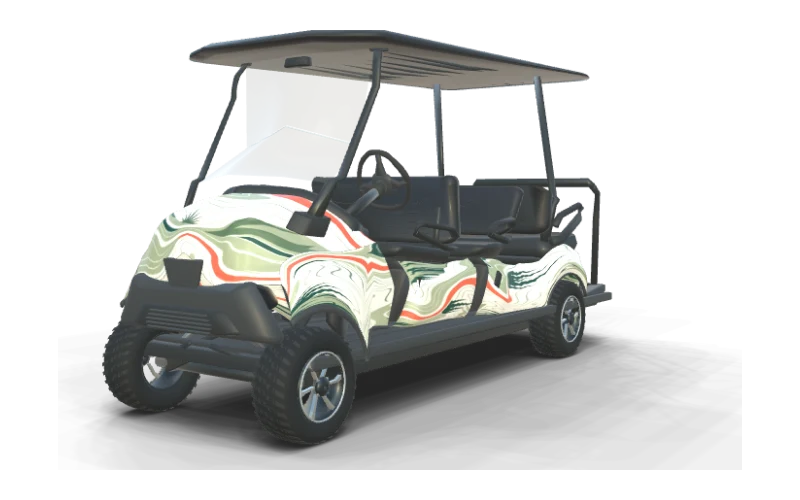
Fairway Green
E-Z-GO Express 6 Touring S ELiTE Lithium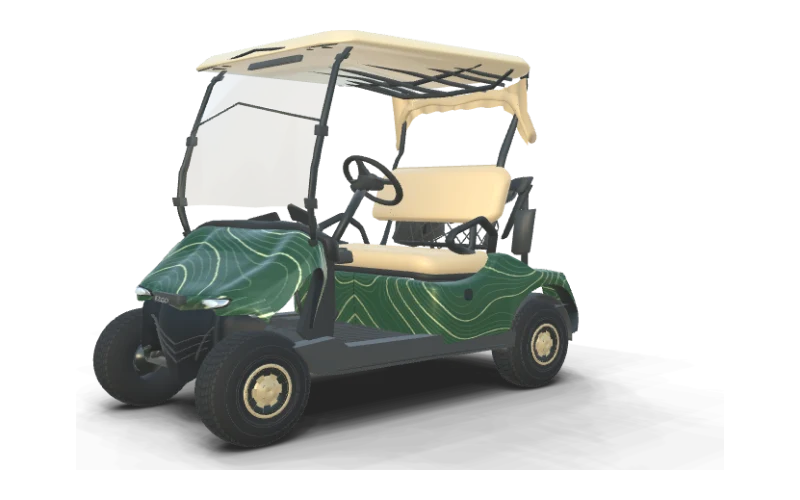
Contour Lines
E-Z-GO Freedom TXT (updated front cowl)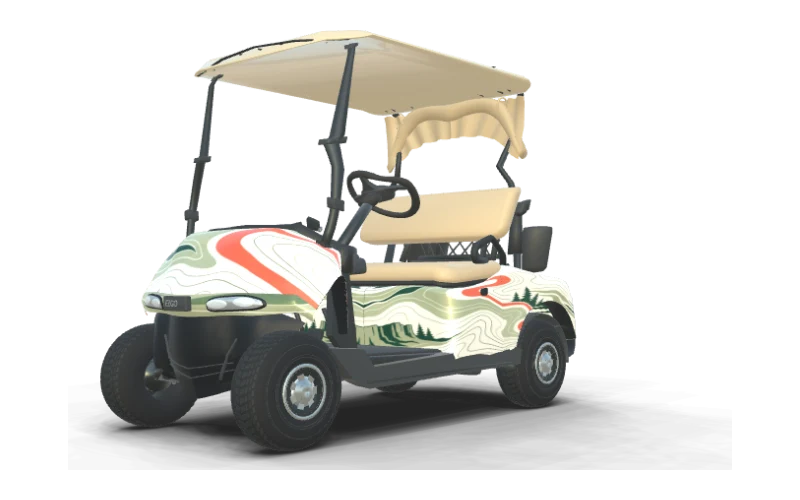
Fairway Green
E-Z-GO Freedom RXV (early front cowl)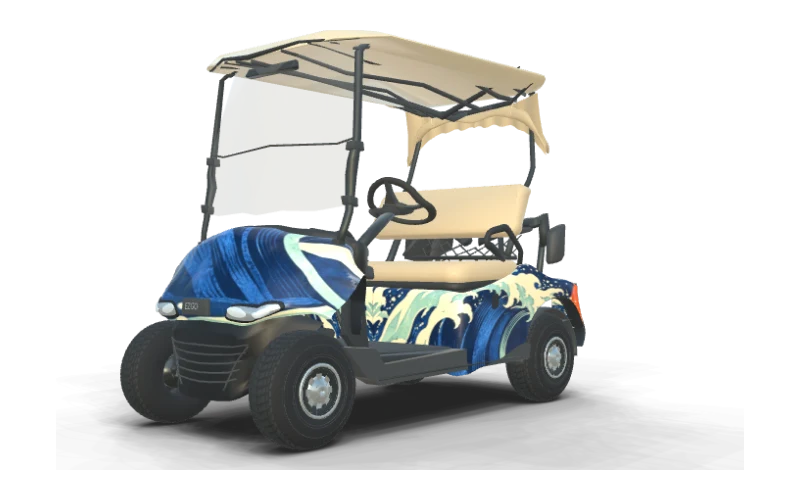
Coastal Current
E-Z-GO Freedom RXV (mid-generation front cowl)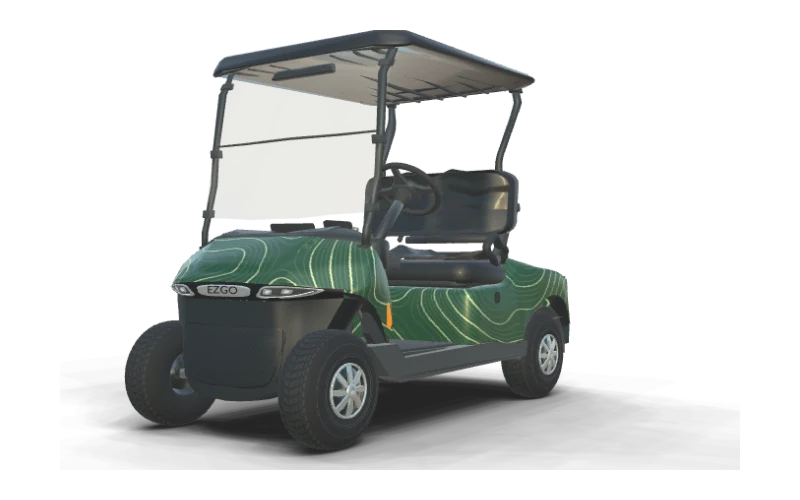
Contour Lines
E-Z-GO Freedom RXV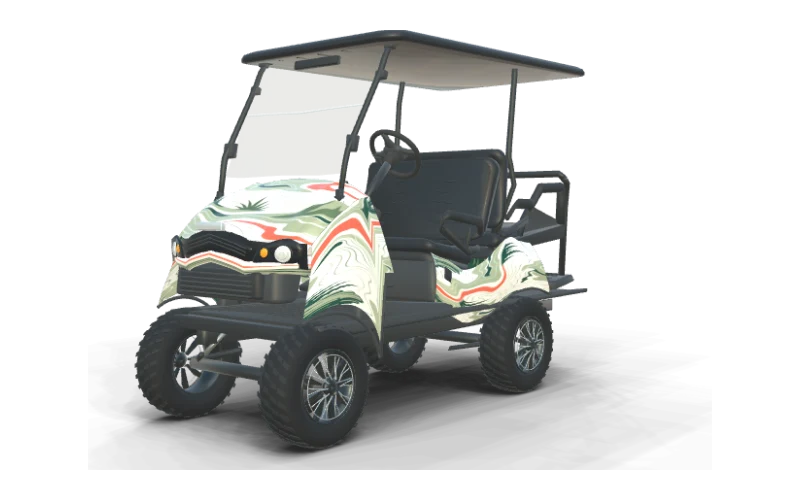
Fairway Green
E-Z-GO Express S4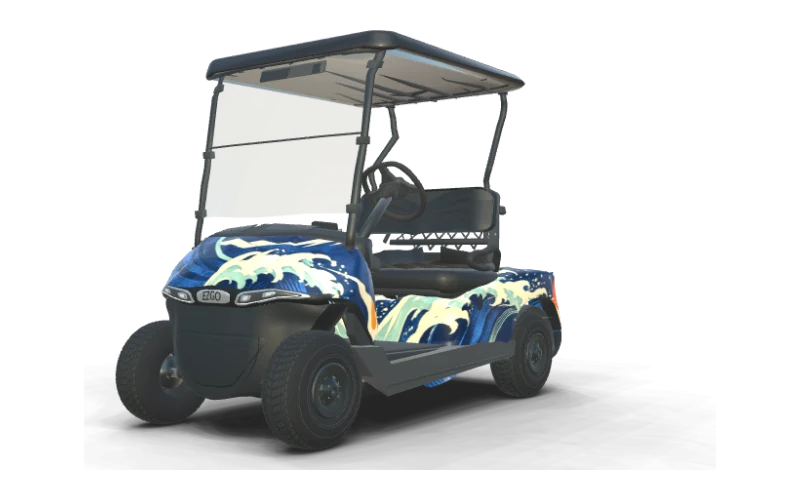
Coastal Current
E-Z-GO Valor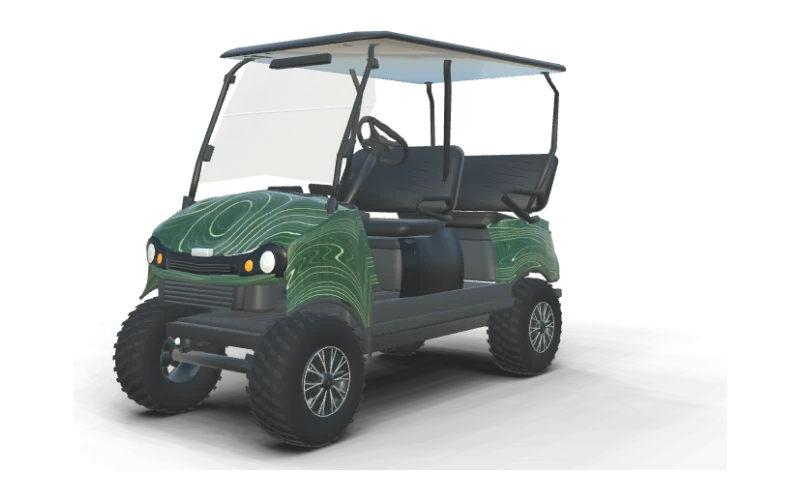
Contour Lines
E-Z-GO Liberty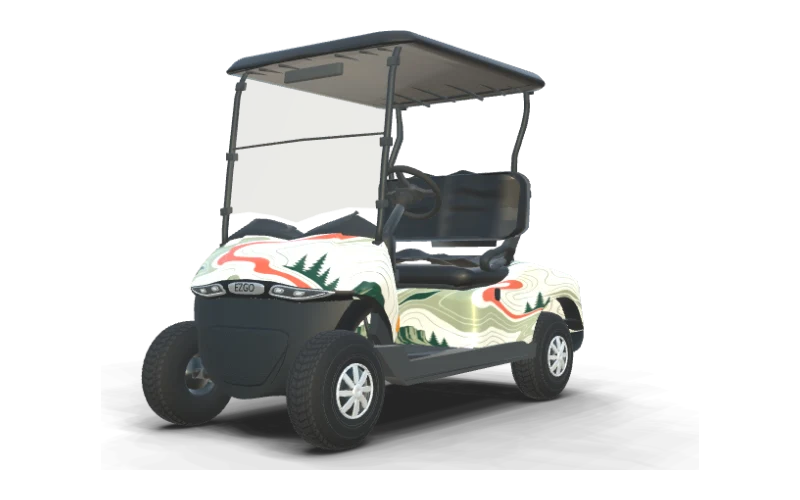
Fairway Green
E-Z-GO RXV 2 Freedom ELiTE LithiumCredits and HD Exports for Your E-Z-GO
Start with a description or reference photo and let AI create a custom E-Z-GO wrap design. Manual editing and the 3D preview are free, so you can add your own artwork and inspect the result.
A text AI design costs 10 credits and a reference photo AI design costs 20 credits. A single-cart HD watermark-free export unlock costs 30 credits, giving you the finished cart views and flat design sheet.
The entry pack is $9.90 for 200 credits, and pack credits never expire. See pricing for the available packs, then keep any unused credits for another E-Z-GO design or export when you are ready.
E-Z-GO Wrap Questions
Design Your E-Z-GO Wrap in 3D
Pick your RXV, TXT, Liberty, Express or Valor body, generate custom AI wraps in 3D, and only pay for AI designs and HD exports.
Start designing